PDFgear
Manage PDFs effortlessly with PDFgear, an AI-powered, free tool that enables editing, conversion, and collaboration on all your devices.
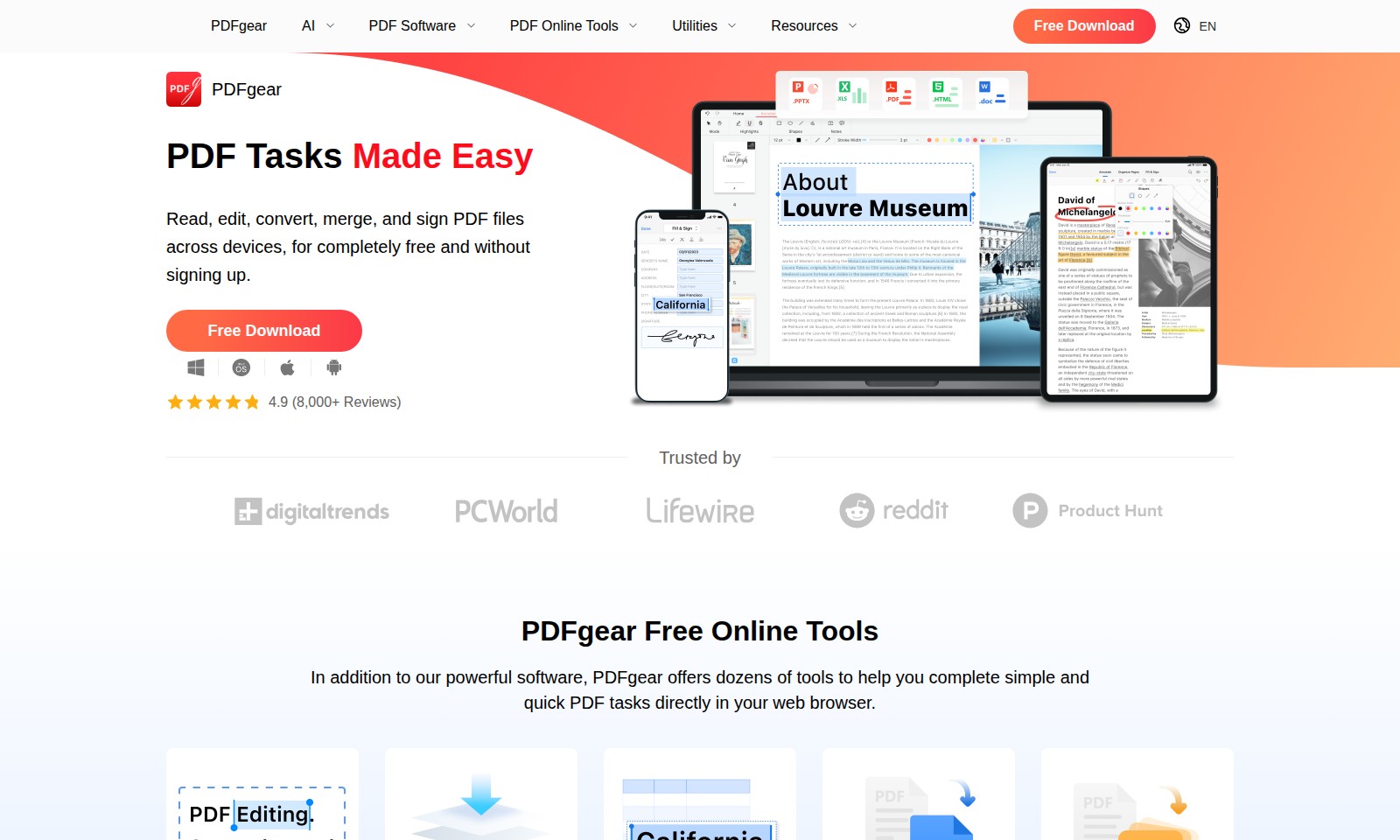
PDFgear Introduction
PDFgear: Your All-in-One AI-Powered PDF Solution
Experience the future of document management with PDFgear, where you can seamlessly interact with PDFs using our cutting-edge AI Assistant. From editing to converting, managing your PDFs has never been easier. Dive into our innovative tools that enhance productivity and simplify your workflow.
PDFgear Features
AI PDF Editor - Enhanced Efficiency
Experience seamless PDF management with our AI PDF Editor, designed to simplify your document handling tasks. Powered by generative AI, this tool enables effortless editing, annotation, and formatting adjustments. Enjoy a more streamlined workflow as it intelligently suggests enhancements and automates repetitive tasks, making document creation and editing faster than ever.
PDF Copilot - Informed Interactions
Our PDF Copilot serves as your intelligent assistant, facilitating more intuitive interactions with PDF documents. Users can ask questions about the content and get instant responses, making it an invaluable tool for knowledge workers. This feature distinguishes itself with natural language processing capabilities, enabling discussions and content extraction directly from PDFs.
PDFgear for iOS - On-the-Go Productivity
The PDFgear app for iOS is an intuitive solution for professionals seeking paperless efficiency while mobile. Users can edit, sign, and manage their PDF documents seamlessly, whether at home, in the office, or on the move. It integrates advanced touch gestures for quick manipulations, ensuring that you can work effectively wherever you are.
PDFgear for Android - Versatile Document Management
Designed specifically for Android users, the PDFgear app brings comprehensive PDF editing and reading capabilities to your mobile device. The incorporation of OCR technology facilitates enhanced text recognition, allowing users to convert scanned documents into editable PDFs. Experience PDF management that adapts to your device and needs for a truly user-centric approach.
PDFgear for Windows - Business Workflow Optimization
Elevate your organization's productivity with PDFgear for Windows. Its suite of features, including batch processing and integration with popular business applications, ensures that teams can collaborate more effectively on document-related tasks. This tool is engineered to handle high-volume tasks efficiently, catering to businesses that depend on robust document management solutions.
PDF Online Tools - Comprehensive Document Solutions
Our suite of online PDF tools provides users with everything they need to manage documents effectively in a web-based interface. Functions like merging, splitting, and transforming PDFs are available at your fingertips. Enriched with powerful features, these tools are crafted to support a wide variety of PDF requirements without the need for software installation, promoting accessibility and convenience.
PDF Form Handling - Simplified Data Collection
Transform your documents into dynamic forms with our intelligent PDF form capabilities. This feature allows users to create fillable forms that streamline data collection seamlessly. With easy integration into existing workflows, this function highlights our commitment to enhancing productivity and efficiency, catering specifically to businesses and organizations that rely on forms for information gathering.
Frequently Asked Questions About PDFgear
Frequently Asked Questions about PDFgear
1. What is PDFgear and what can it do for me?
PDFgear is an intelligent PDF management tool that leverages AI to help users interact with their PDFs more efficiently. This versatile software allows you to edit, annotate, convert, and compress your PDF documents seamlessly, making it a valuable asset for business productivity.
2. Is PDFgear available on different operating systems?
Yes, PDFgear is available on multiple platforms including Windows, macOS, iOS, and Android. This means you can enjoy its powerful features on your desktop or mobile devices, ensuring that you can work on your PDFs anywhere at any time.
3. Can I edit PDFs on mobile devices using PDFgear?
Absolutely! PDFgear for iOS and Android provides an intuitive interface that makes editing PDFs quick and easy on mobile devices. With features such as highlighting, annotating, and signing PDFs, you can manage your documents effectively while on the go.
4. What features does PDFgear offer for converting documents?
PDFgear includes a comprehensive set of conversion tools that allow you to transform your PDFs to and from various formats. You can convert PDF files to Word, Excel, PNG, JPEG, and many other formats, making it easier to share and edit documents as needed.
5. How do I merge or split PDFs using PDFgear?
Merging and splitting PDFs is straightforward with PDFgear. Simply select the files you wish to merge or designate the pages you want to split, and the software will process your request efficiently. This feature is ideal for organizing documents or extracting specific information from larger files.
6. Is there a cost associated with using PDFgear?
PDFgear offers a free version that includes essential features, while advanced capabilities may require a subscription. This allows users to choose the plan that best fits their needs based on the level of PDF management they require.
How to Use PDFgear
Step 1: Register an Account
To start using PDFgear, visit the registration page and fill out the form with your email and password. Confirm your email address by clicking the link sent to your inbox.
Step 2: Log In
Once your account is confirmed, go to the login page. Enter your email and password, then click the login button to access your PDFgear dashboard.
Step 3: Set Up Your Profile
Navigate to your account settings to set up your profile. Fill in any necessary details to customize your experience according to your needs.
Step 4: Explore the Dashboard
Familiarize yourself with the PDFgear dashboard. Look for quick links to essential features such as editing tools, PDF conversion options, and file management.
Step 5: Upload a PDF File
Click the upload button to add a PDF file from your device. Once uploaded, you can view, edit, or manipulate the PDF directly within the platform.
Step 6: Edit Your PDF
Select the editing tool to make changes to your PDF. You can add annotations, highlight text, or even delete pages as needed.
Step 7: Convert PDF Files
If you need to convert your PDF, locate the conversion tools on the dashboard. Choose your desired format, such as Word or PNG, and follow the prompts to complete the conversion.
Step 8: Use the OCR Feature
For scanned documents, utilize the OCR functionality. This allows you to convert images of text into editable formats seamlessly.
Step 9: Save and Share Your Work
Once you're satisfied with your edits or conversions, save the changes. You can also share your PDFs directly from the platform via email or by generating a shareable link.
Reviews
Pros
- Easy to use
- Fast processing
- Great results
- Affordable pricing
Cons
- Limited free version
- Requires internet connection
Comments
No comments yet. Be the first to share your thoughts!
PDFgear - Alternative Platforms
For some alternatives to PDFgear that you may need, we provide you with sites divided by features.

UPDF offers a comprehensive PDF editing solution powered by AI. With tools for editing, annotating, and converting across devices, it simplifies PDF workflows.
Liner offers tools for seamless research, including source collection and survey generation, empowering users to enhance their academic work.
DeepSeek OCR employs innovative optical compression to enhance document digitization and multilingual capabilities, achieving high accuracy and efficiency.
An online tool that enables quick conversion of images containing tables into editable Excel files with high accuracy and batch processing capability.