Solar
Solar offers powerful AI agents and workflow automation to enhance productivity, allowing users to build apps and automate tasks with ease.
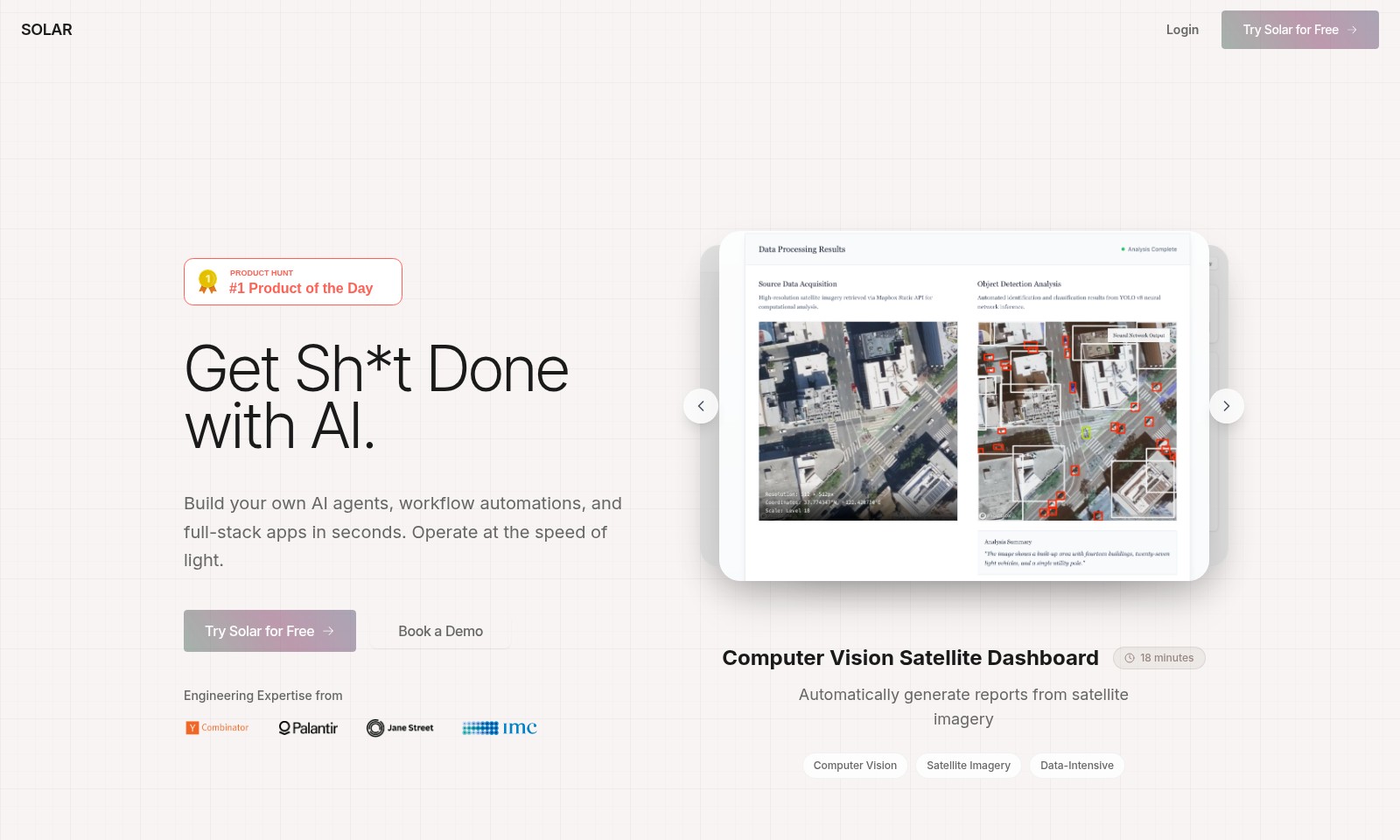
Solar Introduction
Empower Your Workflow with AI
Unlock the potential of AI with Solar, where building custom AI agents, workflow automations, and full-stack applications becomes a swift and seamless experience. Our platform empowers users to automate complex tasks effortlessly, giving you the ability to operate at unprecedented speeds. With features designed to enhance productivity, Solar transforms the way you approach engineering challenges and drives efficiency across various sectors.
Solar Features
Computer Vision Satellite Dashboard - Instant Insights
Transform satellite imagery into actionable reports in just 18 minutes. This feature allows users to harness the power of computer vision technology, automating the analysis of data-intensive images for more efficient decision-making.
AI Agents & Automations - Supercharge Productivity
Empower every employee to automate their hours-long tasks with just a sentence. Our robust guardrails and role-based access control (RBAC) ensure user security while facilitating personal productivity enhancements, critical for teams handling large volumes of repetitive work.
Infinite Integrations - Seamless Connectivity
Integrate effortlessly with a myriad of tools and platforms, allowing users to connect their preferred systems without the hassle of traditional integration challenges. This ensures a smooth workflow, where users can focus on their core tasks rather than technical hurdles.
Beautiful Frontends - User-Centric Design
Enjoy a modern, aesthetically pleasing frontend that enhances user experience. The seamless interface facilitates quick navigation and increased engagement, making it an ideal choice for businesses that prioritize a positive user journey.
Python Backend - Flexibility and Power
Utilize a powerful Python backend that supports diverse applications, providing the flexibility needed to scale operations. This ensures that businesses can adapt to changing needs while maintaining strong performance across all usage scenarios.
Frequently Asked Questions About Solar
FAQs about Solar AI Agents and Automations
What can Solar do for my business?
Solar enables you to create your own AI agents, automate workflows, and develop full-stack applications almost instantly. This means tasks that previously took hours can now be completed in mere minutes.
Is Solar easy to use for beginners?
Absolutely! Solar is designed with user-friendliness in mind. Even if you have limited technical skills, you can leverage our AI-powered platform to streamline your operations and enhance productivity.
How does Solar integrate with existing tools?
Solar offers infinite integrations, allowing you to connect with the tools you already use. Our platform supports secure integrations, ensuring that your data is handled safely and efficiently.
What kind of customer support does Solar provide?
We offer comprehensive customer support, including live demos, detailed documentation, and a responsive help desk. Whether you need help setting up or optimizing your workflow, our team is here to assist you.
Can I try Solar for free?
Yes, you can try Solar for free! Sign up on our website and explore the platform without any initial investment. Experience the powerful capabilities of our AI agents and automations firsthand.
What is the main advantage of using Solar compared to other tools?
Solar empowers every employee to become superhuman by automating time-consuming tasks with just a sentence. Our robust features, including beautiful frontends and Python backends, set us apart from the competition, which often falls short in integration and security.
How to Use Solar
Step 1: Register an Account
Visit the Solar website and click on the 'Try Solar for Free' button. Fill in your details to create your account. Make sure to provide a valid email address as you will receive a confirmation link.
Step 2: Verify Your Email
Check your email inbox for a verification message from Solar. Click on the link provided to verify your account. This step ensures that your email is valid and allows you to proceed with the registration.
Step 3: Log In to Your Account
Return to the Solar website and click on the 'Login' button. Enter your registered email and password to access your account for the first time.
Step 4: Set Up Your Profile
Once logged in, navigate to your profile settings. Fill in any additional information such as your name and preferences. This will help enhance your experience with personalized features.
Step 5: Explore the Dashboard
After setting up your profile, you will be directed to the main dashboard. Familiarize yourself with the layout and the available features that Solar offers. Look for guides or tooltips that can help you understand the dashboard.
Step 6: Create Your First AI Agent
Begin by selecting the option to create a new AI agent. Follow the prompts to set it up according to your needs. Use the intuitive interface to choose functionalities like workflow automation and database interactions.
Step 7: Automate a Workflow
Once your AI agent is created, explore the workflow automation features. Set parameters and triggers that suit the tasks you want to automate. This will significantly reduce the time spent on repetitive processes.
Step 8: Access Additional Resources
Visit the help and resources section for tutorials and user guides. These materials can help you maximize the potential of AI agents and automations you have created.
Step 9: Book a Demo
If you want to explore Solar's capabilities further, consider scheduling a live demo. Click on the 'Book a Demo' button and fill out the necessary details to arrange a meeting with an expert.
Step 10: Stay Updated
Regularly check back on the Solar platform and your email for updates on new features and enhancements. This will keep you informed and allow you to leverage the latest advancements in AI technology.
Reviews
Pros
- Easy to use
- Fast processing
- Great results
- Affordable pricing
Cons
- Limited free version
- Requires internet connection
Comments
No comments yet. Be the first to share your thoughts!
Solar - Alternative Platforms
For some alternatives to Solar that you may need, we provide you with sites divided by features.

Stately enables teams to create, visualize, and deploy complex logic through a user-friendly interface, integrating visual design and code seamlessly.
Claude Opus 4 represents the forefront of AI technology with a focus on safety, enabling powerful applications and research at Anthropic.
Claude Code Router is a tool that extends Claude Code, enabling dynamic routing of coding tasks to multiple AI models, enhancing flexibility and customization for developers.
Grok 4 is a revolutionary AI model from xAI, boasting exceptional reasoning capabilities and multimodal support, now accessible on various platforms.