Hunyuan 3D
Transform your creative ideas into professional 3D assets quickly and easily using Hunyuan 3D's cutting-edge AI technology.
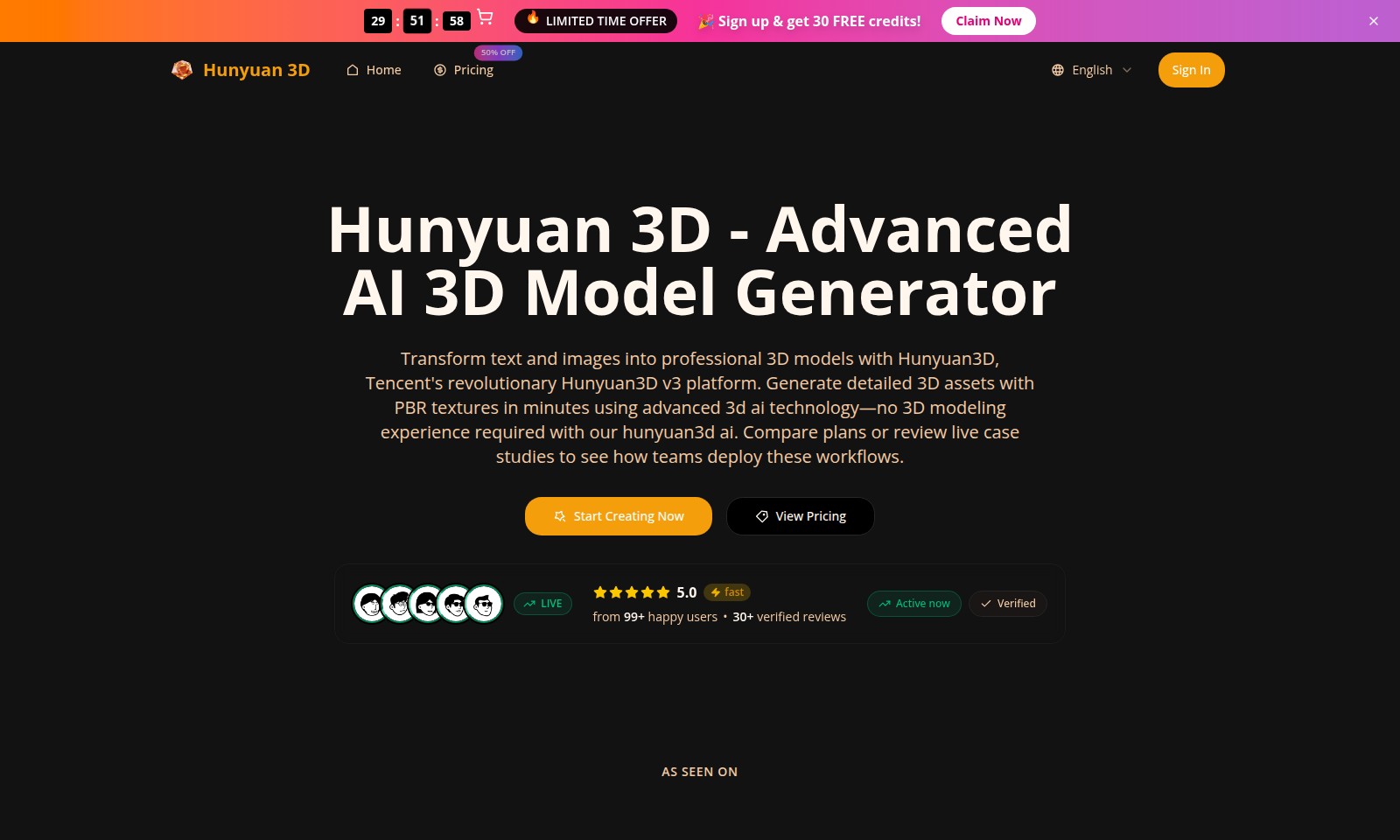
Hunyuan 3D Introduction
Transform Your Ideas into Reality
Hunyuan 3D empowers you to create professional 3D models effortlessly. Our cutting-edge platform leverages advanced AI technology, allowing users to transform text and images into intricate 3D assets without requiring any prior experience in 3D modeling. With Hunyuan3D, you can generate high-quality 3D models in minutes, revolutionizing the way you visualize your concepts.
Hunyuan 3D Features
Hunyuan 3D - Transformative 3D Model Generation
Unlock the potential of digital creativity with Hunyuan 3D. This platform allows users to effortlessly convert text and images into professional-grade 3D models, delivering high-quality assets with minimal time investment. Experience the ease of advanced AI technology without the need for prior 3D modeling skills. Hunyuan 3D streamlines the modeling process, allowing users to focus on creativity rather than technical hurdles.
PBR Texture Integration - Enhanced Visual Fidelity
Benefit from the integration of physically-based rendering (PBR) textures in your 3D models, leading to lifelike visuals. The platform ensures that your assets reflect real-world materials and lighting conditions, making them suitable for a variety of applications, from game development to architectural visualization.
User-Friendly Interface - Accessibility for All
Designed with users of all skill levels in mind, Hunyuan 3D's intuitive interface simplifies complex processes. Whether you are an experienced designer or a novice, the platform provides a supportive environment that fosters creativity and productivity while ensuring a seamless experience.
Fast Processing Times - Efficiency in Workflow
Achieve remarkable results within minutes as Hunyuan 3D utilizes cutting-edge AI to accelerate the model generation process. This allows you to iterate and refine your designs rapidly, keeping pace with the demands of modern workflows.
Versatile Image Upload Options - Flexibility at Your Fingertips
The platform supports various image upload methods, including single and multiple image inputs. This flexibility enables users to generate complex models directly from diverse visual sources, enhancing creativity and project turnaround times.
Multi-Use Case Applicability - Broad Application Spectrum
Whether for games, animations, or architectural projects, Hunyuan 3D caters to a wide range of industries. The versatility of the platform ensures that professionals across different fields can harness the power of AI-driven 3D modeling.
Live Case Studies - Learn from Successful Deployments
Learn from real-world applications by reviewing live case studies that showcase how teams effectively use Hunyuan 3D in their projects. These success stories provide insights into best practices and innovative uses of the platform, illustrating its impact and capabilities in various industries.
Frequently Asked Questions About Hunyuan 3D
Frequently Asked Questions
What is Hunyuan3D?
Hunyuan3D is an advanced AI 3D model generator by Tencent that transforms text and images into detailed 3D models within minutes, making 3D creation accessible even for those without prior modeling experience.
How do I get started with Hunyuan3D?
To start using Hunyuan3D, sign up on our website and take advantage of our limited-time offer of 30 free credits. Once registered, you can immediately begin creating 3D models by uploading images or inputting text.
Can I use my own images to create 3D models?
Yes, you can upload single or multiple images to Hunyuan3D to generate 3D models. The platform supports various image formats and offers a user-friendly interface for seamless uploads.
Is there a subscription plan for Hunyuan3D?
Yes, Hunyuan3D offers several pricing plans to cater to different user needs. You can compare plans on our pricing page, which outlines the features and benefits of each option.
What type of outputs can I expect from Hunyuan3D?
With Hunyuan3D, you can produce high-quality 3D models that include PBR textures. The platform ensures that your generated assets are suitable for professional use in various applications, from gaming to virtual environments.
What support resources are available if I encounter issues?
If you face any issues, our support team is available to help you navigate and resolve problems. Additionally, our website features FAQs, tutorials, and case studies that further assist users in utilizing Hunyuan3D effectively.
How to Use Hunyuan 3D
Register an Account
Follow the prompts to sign up with your email and create a password. Make sure to verify your email for account activation.
Set up your Profile
Complete your profile by adding any necessary personal information. This helps us tailor your experience and provide better support.
Explore the Dashboard
Once logged in, take a moment to familiarize yourself with the dashboard layout. Navigate through the sections to view tools and features available to you.
Start a New Project
Click on 'Start Creating Now' to initiate a new project. Choose whether you want to transform text or images into 3D models.
Upload Your Files
Drag and drop your image or text files into the upload area. Review the supported formats to ensure your files are compatible.
Generate Your Model
After uploading, select the settings that suit your project. Click 'Generate' and wait a few moments for the AI to create your 3D model.
Preview Your Creation
Once the model is ready, preview it in the generation window. Adjust textures and details as desired before finalizing.
Download Your Model
After satisfied with the preview, click 'Download'. Choose the appropriate file format for your usage, whether for personal or commercial projects.
Access Support
If you encounter any issues, visit the 'Support' section of our website. Our team is ready to assist you with any questions or concerns.
Reviews
Pros
- Easy to use
- Fast processing
- Great results
- Affordable pricing
Cons
- Limited free version
- Requires internet connection
Comments
No comments yet. Be the first to share your thoughts!
Hunyuan 3D - Alternative Platforms
For some alternatives to Hunyuan 3D that you may need, we provide you with sites divided by features.

Meshy AI offers powerful AI-driven tools to instantly generate game-ready 3D models from text or images, catering to creators and developers.
Fastin3D offers an easy-to-use platform for transforming images into 3D models, featuring tools like Image Studio and Texture Generator.
Project Genie allows users to create, navigate, and remix photorealistic 3D environments in real-time, no design skills needed.
SAM 3D offers innovative tools for single-image 3D reconstruction, allowing easy transformation of images into 3D models with high accuracy and speed.