Prompt Builder
Prompt Builder streamlines AI prompt creation, offering tools to generate, optimize, and organize prompts for various AI models, improving workflow efficiency.
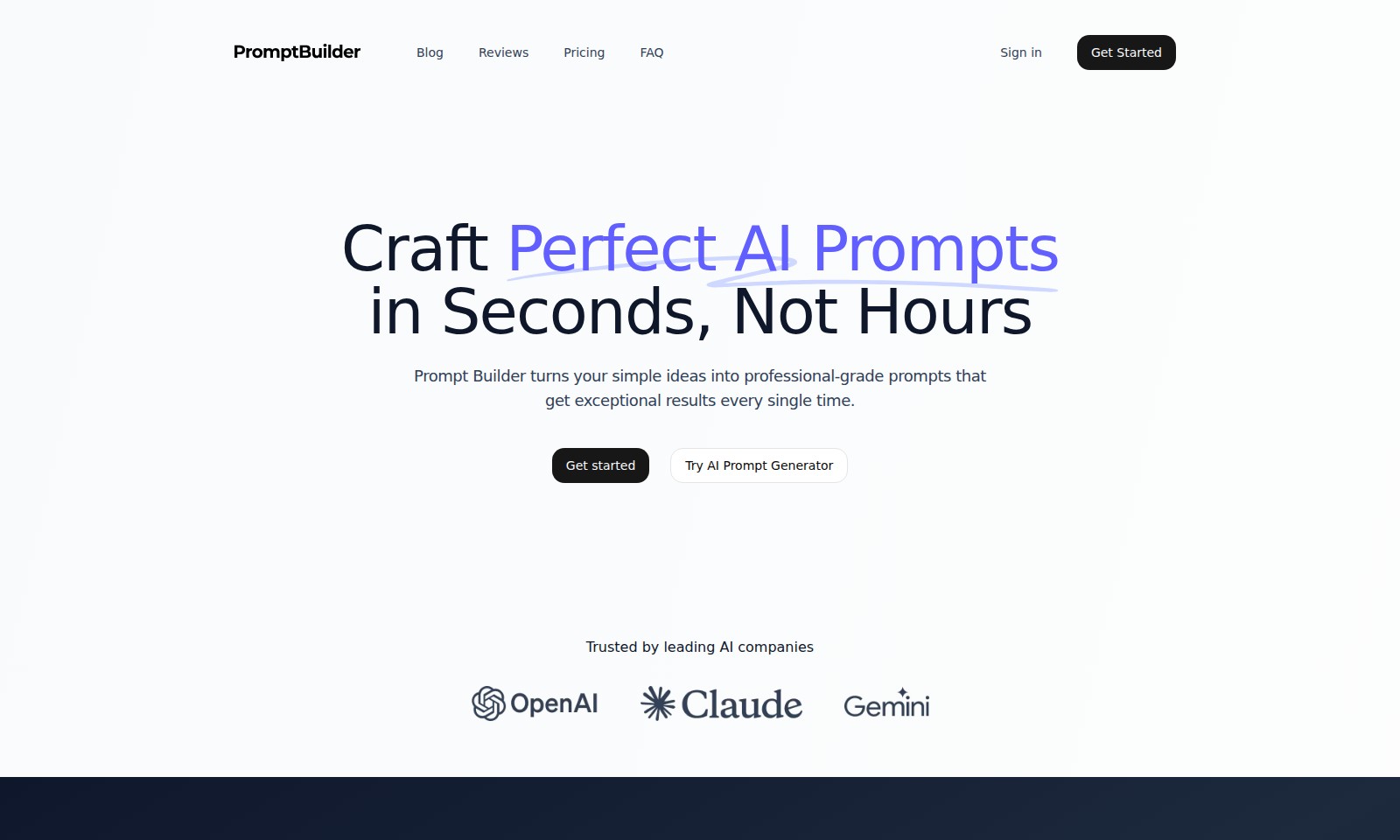
Prompt Builder Introduction
Transform Your AI Workflow
Prompt Builder is designed to revolutionize the way you create and utilize AI prompts. With our platform, you can craft perfect AI prompts in seconds, not hours, allowing for a seamless transition from idea to execution that maximizes efficiency and effectiveness. Say goodbye to the painstaking process of prompt generation and hello to a streamlined, professional-grade approach that guarantees exceptional results.
Prompt Builder Features
Prompt Builder - Craft Perfect AI Prompts in Seconds, Not Hours.
Prompt Builder empowers users to generate high-quality prompts in under 15 seconds, saving valuable time. It utilizes advanced algorithms to ensure consistent, professional-grade outputs that meet user expectations on the first attempt.
Effortless AI Workflow - Transforming Frustration to Ease.
The tool simplifies the entire prompt crafting process, eliminating the need for users to spend 15+ minutes on each prompt. By providing an intuitive interface, it allows users to simply describe their requirements in plain language, effectively bridging the gap between intent and AI output.
Consistent High-Quality Outputs - Reliability You Can Count On.
Users can expect predictable and satisfactory responses from AI models, enhancing overall productivity. Prompt Builder minimizes the need for multiple revisions and adjustments, allowing users to focus on leveraging AI capabilities rather than troubleshooting prompts.
Comprehensive LLM Utilization - Maximize Your AI Potential.
By providing a streamlined approach to prompt generation, users can unlock the full potential of large language models (LLMs). The tool ensures that users gain the maximum value from every interaction with AI, making it an essential asset for anyone looking to enhance their AI-driven projects.
User-Centric Design - Bridging Technology and Practicality.
Designed with user experience in mind, Prompt Builder prioritizes a straightforward interface that caters to both beginners and seasoned AI practitioners. This ensures that anyone can efficiently generate prompts without needing extensive technical knowledge or background in prompt engineering.
Join a Thriving Community - Be Part of the AI Revolution.
With over 2,000 users already benefiting from Prompt Builder, you are not alone in your quest for effective AI solutions. Join a growing community that’s redefining productivity and innovation through smarter AI interactions.
Start Building Better Prompts - Embrace a New Era of AI.
The time to optimize your AI workflows is now. Stop wasting your precious time and start achieving better results with Prompt Builder, where efficiency meets effectiveness in AI prompt generation.
Frequently Asked Questions About Prompt Builder
Frequently Asked Questions
1. How can I create effective AI prompts quickly?
Using our Prompt Builder, you can generate perfect prompts in under 15 seconds. Just describe your needs in plain language, and let the tool handle the rest. Say goodbye to spending 15+ minutes crafting each prompt.
2. What are the main benefits of using the Prompt Builder?
The Prompt Builder ensures you receive consistently high-quality outputs every time you generate a prompt. This tool eliminates the frustration of unpredictable AI responses, allowing you to focus on what matters most—getting results.
3. Do I need to understand prompt engineering to use the tool?
Absolutely not! The Prompt Builder is designed for simplicity and ease of use. You don’t need any special knowledge of prompt engineering techniques; just describe what you need, and the tool will produce the prompt for you.
4. How does the Prompt Builder improve my AI workflow?
With the Prompt Builder, you can transform your AI workflow from one that is laborious and time-consuming to one that is effortless and efficient. By generating perfect prompts quickly, you maximize the value from all LLMs without the hassle.
5. Can I trust the quality of the prompts generated?
Yes, the Prompt Builder is trusted by leading AI companies and is engineered to deliver professional-grade prompts that yield exceptional results. Users have reported a significant improvement in the quality of their AI outputs after using our tool.
6. How do I get started with the Prompt Builder?
Getting started is easy! Just sign up and begin crafting your prompts using our intuitive interface. Join the community of 2,000+ users who have already transformed their AI experiences.
How to Use Prompt Builder
Create Your Account
To begin your journey, click on the 'Get Started' button prominently displayed on the homepage. Fill in your details, including email and password, to create your account. You will receive a confirmation email to verify your address.
Verify Your Email
Check your inbox for the confirmation email and click the link provided. This step is crucial for ensuring you can receive updates and notifications related to your account.
Log In to Your Account
Once your email is verified, return to the website and click on 'Sign in'. Enter your credentials to access your profile.
Set Up Your Profile
After logging in, navigate to your profile settings. Here, you can personalize your account by adding a profile picture and filling in additional information relevant to your needs. This helps tailor the experience based on your interests.
Explore the Dashboard
Take a moment to familiarize yourself with the dashboard interface. Here, you’ll find quick access to all key features including the Prompt Builder and other AI tools.
Use the Prompt Builder
To start creating prompts, locate the 'Prompt Builder' section. This intuitive tool allows you to generate professional-grade prompts in seconds. Simply describe your requirement in plain terms and click ‘Generate’.
Experiment with Prompt Features
Try different variations of your descriptions in the Prompt Builder. The tool is designed to learn and adapt, providing consistently high-quality outputs, making your workflow more efficient.
Review Your Generated Prompts
Once you've created a prompt, take the time to review the results. Assess whether they meet your expectations and modify the prompts if necessary to achieve the desired output.
Access Resources and Support
If you have any questions or need additional guidance, visit the FAQ section. Here, you will find answers to common inquiries and support documentation to help enhance your experience.
Continue Exploring
Now that you are familiar with the tools and features available, continue to explore and make the most out of your experience. Whether crafting faster prompts or enhancing your AI capabilities, the options are endless.
Reviews
Pros
- Easy to use
- Fast processing
- Great results
- Affordable pricing
Cons
- Limited free version
- Requires internet connection
Comments
No comments yet. Be the first to share your thoughts!
Prompt Builder - Alternative Platforms
For some alternatives to Prompt Builder that you may need, we provide you with sites divided by features.

Dart offers innovative AI features for intelligent task management, customizable workspaces, and effective project planning to boost team efficiency.
Explore guest mode benefits, including chat saving and optimized responses through a quick sign-up.
Beam AI is an AI-driven software for accurate takeoff and estimating, helping contractors automate processes and improve bid efficiency.
Discover Clawdbot, a self-hosted AI assistant that manages tasks and integrates with various messaging platforms, with full control over your data.