Neutron
Neutron is an AI tool for Mac that provides instant assistance for various tasks via voice commands while ensuring user privacy.
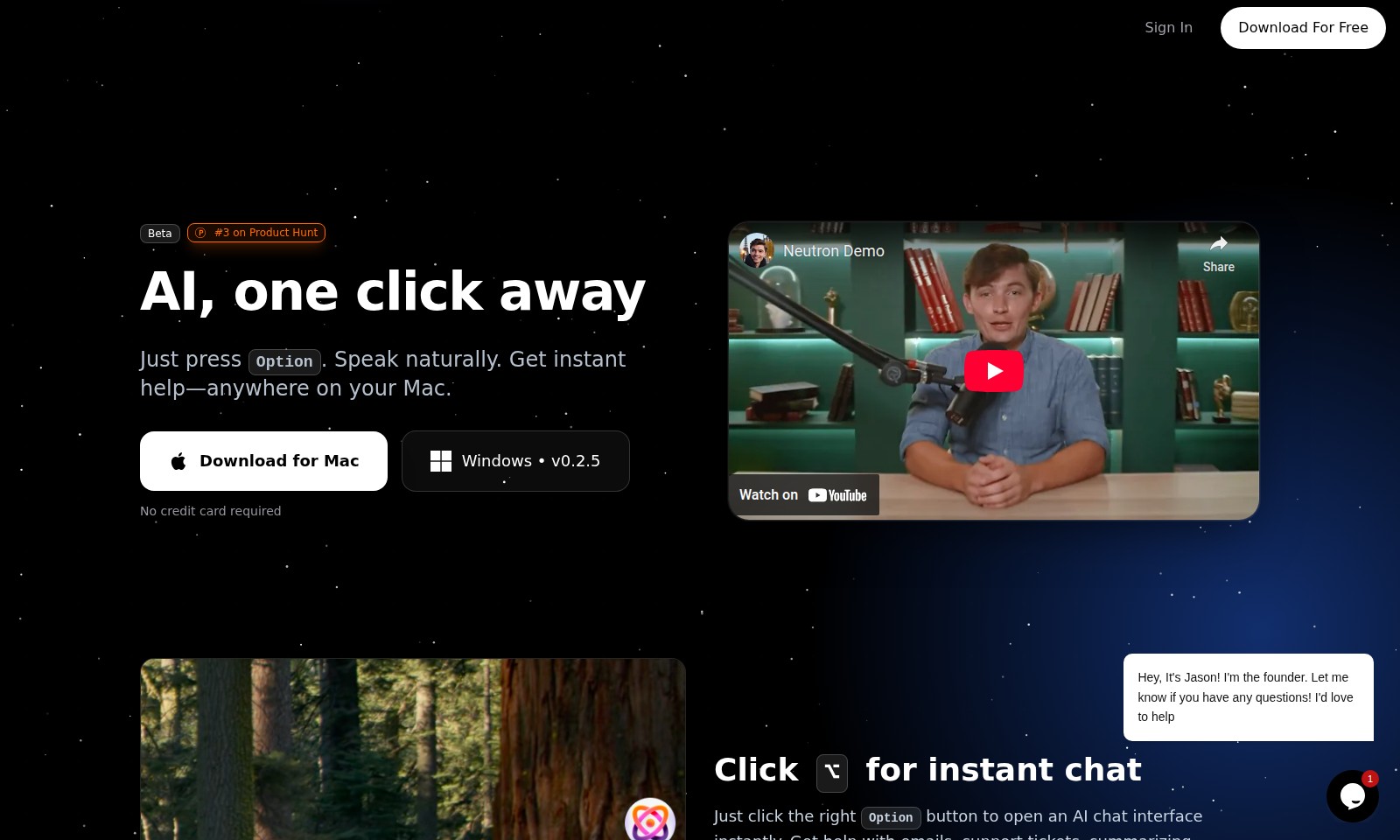
Neutron Introduction
Unlock Seamless Productivity with Neutron
Neutron redefines how you interact with your Mac by providing instant AI support with just a click of the Option key. Whether you're dealing with emails, support tickets, or document summaries, Neutron offers a tailored solution to enhance your workflow.
Neutron Features
Instant AI Chat - Effortless Communication
Experience seamless interaction with AI assistance, right at your fingertips. Our instant chat feature allows you to click the Option button and receive immediate help with tasks like emails and support tickets.
Voice Commands - Hands-Free Assistance
Utilize our voice command functionality by simply holding the Option button. You can ask questions naturally and get instant responses, making it ideal for multitasking.
Direct Text Input - Streamlined Workflow
With a focus on any text box and holding the Option key, you can speak your thoughts directly into the field. This feature enhances productivity by allowing you to compose messages or complete forms without using a keyboard.
Custom Instructions - Tailored User Experience
Adapt Neutron to your personal workflow by writing custom instructions. This feature helps in persistently applying your unique commands, ensuring a more personalized interaction with the AI.
Multi-Platform Availability - Cross-Device Support
Neutron is currently available for both Mac and Windows, ensuring that you can enjoy AI assistance across different devices without any additional cost. Experience the versatility of our tool whether you're at home or on the go.
Product Hunt Recognition - Proven Quality
Ranked #3 on Product Hunt, Neutron has been recognized for its exceptional utility and innovative features. Join the growing community of satisfied users leveraging AI to boost their productivity without requiring a credit card for trials.
Frequently Asked Questions About Neutron
Frequently Asked Questions
How do I download the app?
To download the app, simply click on the Download For Free button on our website. The app is available for Mac and Windows, so choose the version that suits your needs ensuring you have the right system requirements.
Is there a subscription fee?
No, there is no subscription fee to use our app. You can download it and use its core features without needing to provide a credit card. Enjoy all the benefits without any financial commitment!
How does the instant chat feature work?
The instant chat feature allows you to simply press the Option key (⌥) to open a chat interface with our AI. You can type or speak your queries, and the AI will assist you immediately, making it easy to get help right where you are working.
Can I use voice commands with the app?
Absolutely! You can hold the Option button while asking questions, and our hands-free AI will understand your natural speech. This feature is particularly useful when you are multitasking or need to get answers quickly without typing.
How does the writing feature work?
Neutron’s writing feature lets you focus on any text box, hold the Option key, and speak. The app will automatically write your words directly into the field. It’s perfect for composing emails, filling out forms, or drafting messages seamlessly.
Can I customize the app to fit my workflow?
Yes, you can customize Neutron by setting up your own instructions. This lets you tailor the app to better suit your working style, enhancing productivity and making it easier for you to interact with the AI effectively.
How to Use Neutron
Sign Up for an Account
To start using our service, visit our website and click on the 'Sign In' button. Follow the prompts to create your account by entering your email and setting a password.
Download the Application
Once your account is created, download our application for free. Choose between Mac or Windows and follow the installation instructions provided on the download page.
Log In to Your Account
After installation, open the application and log in using the credentials you created during signup. Ensure you enter your email and password correctly to access your profile.
Set Up Your Profile
After logging in, navigate to your account settings to set up your profile. This includes adding your name, profile picture, and any preferred settings that will enhance your user experience.
Explore Key Features
Now that your account is set up, take a moment to explore the key features of our application. Familiarize yourself with the AI chat interface by clicking the Option button for instant assistance and help.
Use Voice Commands
To maximize your productivity, hold the Option button while speaking your questions. This hands-free feature enables you to multitask without needing to pause your work.
Write Directly into Any Field
By focusing on any text box and holding the Option button, you can dictate your thoughts, and Neutron will transcribe them directly. This is especially useful for composing emails or filling out forms quickly.
Customize Your Instructions
Finally, customize Neutron according to your needs. You can set persistent preferences to streamline your workflow and enhance your productivity over time.
Reviews
Pros
- Easy to use
- Fast processing
- Great results
- Affordable pricing
Cons
- Limited free version
- Requires internet connection
Comments
No comments yet. Be the first to share your thoughts!
Neutron - Alternative Platforms
For some alternatives to Neutron that you may need, we provide you with sites divided by features.

Dart offers innovative AI features for intelligent task management, customizable workspaces, and effective project planning to boost team efficiency.
Explore guest mode benefits, including chat saving and optimized responses through a quick sign-up.
Beam AI is an AI-driven software for accurate takeoff and estimating, helping contractors automate processes and improve bid efficiency.
Discover Clawdbot, a self-hosted AI assistant that manages tasks and integrates with various messaging platforms, with full control over your data.