AIShowX
Transform your ideas into visuals quickly with our AI-powered video and image generation tools. No editing skills required.
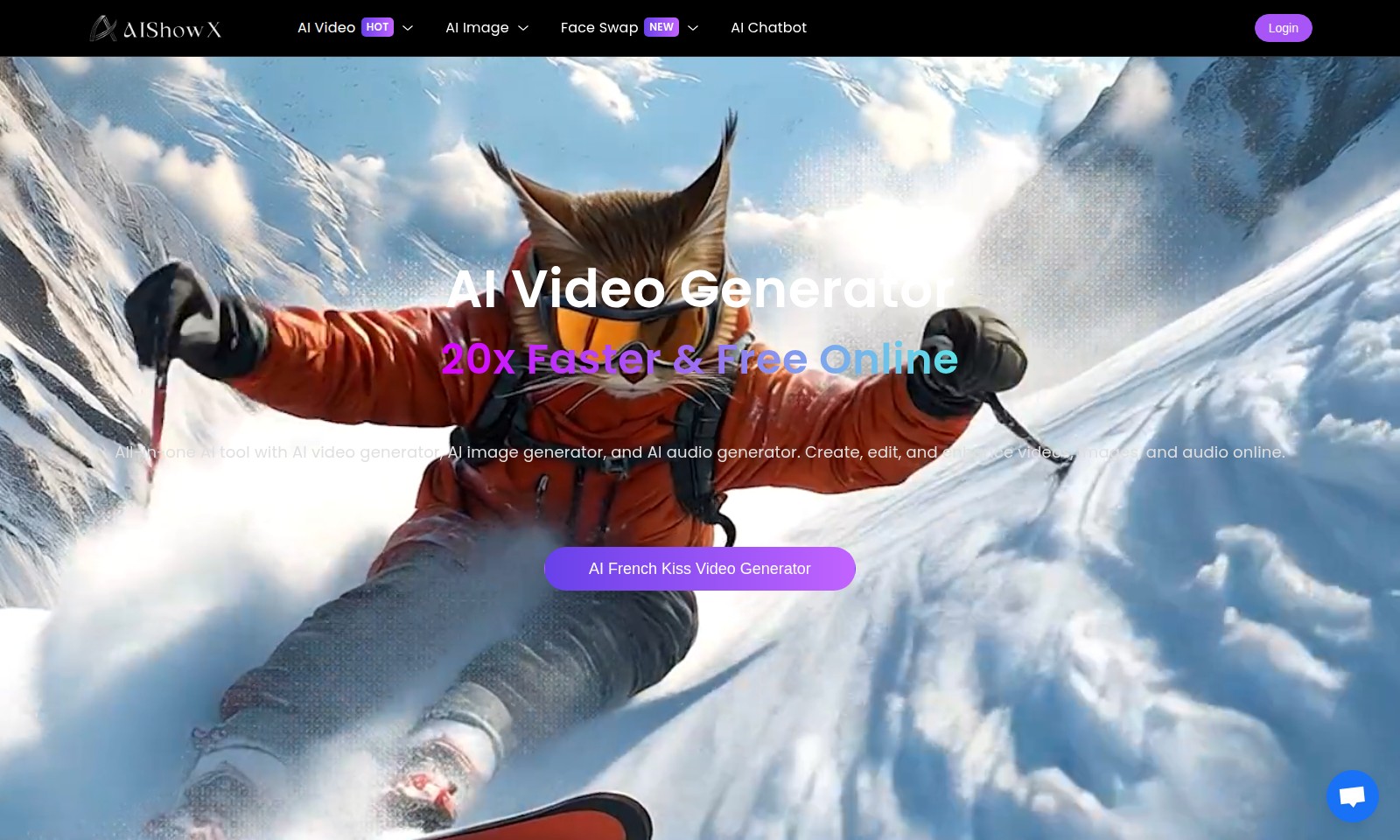
AIShowX Introduction
Unlock the Power of AI with Our Innovative Video and Image Solutions
Our platform offers cutting-edge tools designed to transform your creative ideas into stunning visual content. With features like AI Video generation, customize your videos effortlessly, whether you're creating engaging content for social media or producing professional presentations. Experience the future of digital storytelling with our comprehensive suite of AI-powered applications.
AIShowX Features
AI Video Generation - Streamlined Content Creation
AI Video Generation allows users to effortlessly convert various media into captivating videos. With its intuitive interface, even those with minimal technical skills can produce professional-quality videos.
AI Image to Video - Dynamic Visualization
Transform static images into engaging videos with AI Image to Video. This feature employs advanced AI algorithms to analyze image content, generating smooth transitions and effects that enhance visual storytelling.
AI Text to Video - Storytelling Reimagined
AI Text to Video converts written narratives into dynamic video presentations. This feature is particularly beneficial for educators and marketers looking to convey information in an engaging format, significantly increasing viewer retention.
AI Character Generator - Personalized Avatars
Craft customized avatars for gaming or virtual environments with the AI Character Generator. Users can specify traits and characteristics, resulting in unique designs that enhance user interaction and engagement in digital experiences.
AI Background Changer - Flexible Visuals
Replace or modify backgrounds in images or videos effortlessly using the AI Background Changer. This feature utilizes cutting-edge AI technology to ensure seamless integration, ideal for content creators and marketers aiming for professional results without compromising time efficiency.
Frequently Asked Questions About AIShowX
Frequently Asked Questions
1. What is the AI Video feature and how can I use it?
The AI Video feature allows you to create videos automatically by using AI technology. Simply upload your images or text, and the AI will generate a video for you based on your input.
2. Can I convert images into videos?
Yes, with our AI Image to Video tool, users can easily turn their images into compelling videos. Just upload your images, select the desired templates, and let AI do the magic!
3. How does the AI Gender Swap work?
The AI Gender Swap feature uses advanced algorithms to alter images and change the gender appearance of the subject. You can upload a photo, and within seconds, you’ll see a gender-swapped version of it.
4. What can the AI Character Generator do?
The AI Character Generator creates unique characters based on user specifications. You can customize features such as hair, clothing, and accessories to bring your character idea to life.
5. Is there a way to apply filters like Short Hair or Bald Filter?
Absolutely! The Short Hair Filter and Bald Filter can be applied to any uploaded image. Simply choose the filter you want, and apply it to see the changes instantly.
6. What types of images can I enhance using the AI Image Enhancer?
The AI Image Enhancer is designed to improve the quality of any image you upload. It can adjust brightness, sharpness, and clarity to provide a more polished final product.
How to Use AIShowX
Step 1: Register an Account
Visit our website and click on the 'Register' button. Fill in the required information like your email address and create a secure password.
Step 2: Verify Your Email
Check your inbox for a verification email and click on the link provided. This ensures that your email is valid and helps secure your account.
Step 3: Log In to Your Account
Return to the website and click on the 'Login' button. Enter your email and password to access your account.
Step 4: Set Up Your Profile
Once logged in, navigate to the 'Profile' section. Add relevant information about yourself, including a profile picture to personalize your experience.
Step 5: Explore Key Features
Take a tour of the website and familiarize yourself with the key features such as AI Video creation and Image Editing tools. Look for tutorials or guides that can help you in your journey.
Step 6: Start Creating AI Videos
Select 'AI Video HOT' or any other video tool on the homepage. Follow the prompts to upload your images or videos, and explore the functionalities of AI-generated content.
Step 7: Use AI Image Enhancement
Navigate to the 'AI Image Enhancer HOT' section. Upload an image and choose enhancement options to improve the quality of your images effortlessly.
Step 8: Experiment with Filters
Try out various filters like the 'AI Bald Filter' or 'AI Mermaid Filter'. Just upload an image and apply these filters to see the transformation.
Step 9: Generate Content with AI Tools
Use tools like the 'AI Character Generator' or 'AI Tattoo Generator' to create unique content. Follow the straightforward prompts to get started with these creative tools.
Step 10: Save and Share Your Creations
Once you are satisfied with your creations, remember to save them. Use the sharing options available so you can showcase your work on social media or with friends.
Reviews
Pros
- Easy to use
- Fast processing
- Great results
- Affordable pricing
Cons
- Limited free version
- Requires internet connection
Comments
No comments yet. Be the first to share your thoughts!
AIShowX - Alternative Platforms
For some alternatives to AIShowX that you may need, we provide you with sites divided by features.

Experience the ultimate video editing and conversion tool with UniConverter 17, featuring AI-driven enhancements for superior quality and speed.
Fotor offers a comprehensive suite of online editing tools making photo enhancement simple and efficient for all users.
Upscayl transforms low-resolution images into high-quality visuals using AI, available on cloud and desktop for easy access.
Shop Topaz Labs' Black Friday sale for discounts on image and video enhancement tools, trusted by professionals worldwide.