Dart
Dart offers innovative AI features for intelligent task management, customizable workspaces, and effective project planning to boost team efficiency.
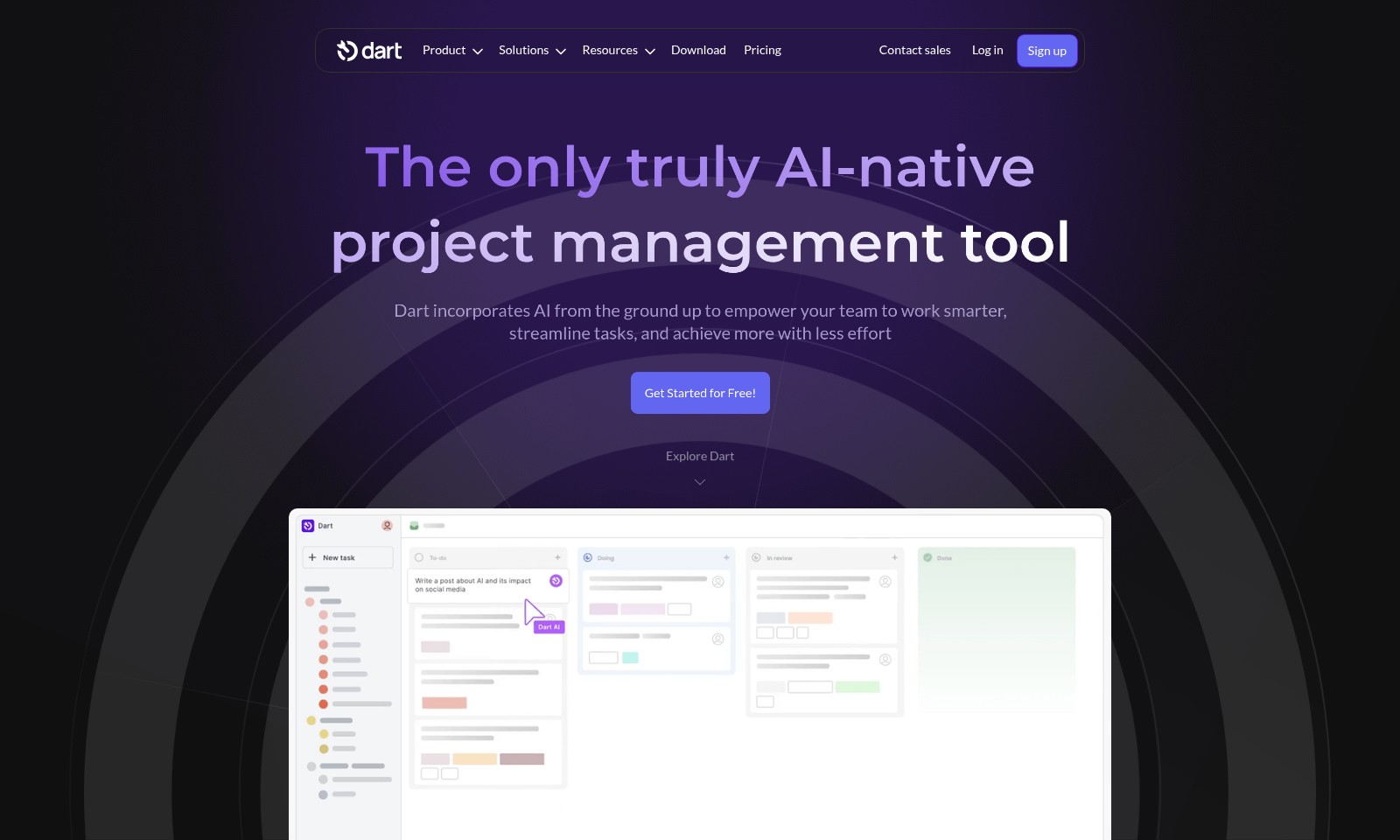
Dart Introduction
Dart: The Only Truly AI-native Project Management Tool
Dart empowers your team to work smarter, streamline tasks, and achieve more with less effort by incorporating AI from the ground up. Our platform is designed to enhance productivity and facilitate seamless collaboration among team members, ensuring that every project is executed efficiently and effectively.
Experience intelligent task management with both list and board views, allowing teams to manage tasks effortlessly. Subtask generation and tracking features, including due dates, priorities, and sizes, help your team stay organized and focused on what matters most. With Dart, streamline project planning and execute tasks like never before.
Dart Features
Intelligent Task Management
Maximize your team's productivity with Dart's intelligent task management system. Organize tasks in both list and board views for flexibility in handling projects. Use sprints to maintain a regular cadence and enhance collaboration within your team.
AI-Enhanced Task Execution
Leverage AI technology to streamline task execution effortlessly. Dart automates subtask generation and property filling, allowing your team to focus on what truly matters: achieving project goals efficiently.
Dynamic Roadmaps and Calendar Views
Keep your projects on track with Dart's comprehensive roadmaps and calendar features. Easily implement Gantt charts and set due dates, ensuring that your team never misses a deadline while staying aligned with project timelines.
Effective Document Management
Simplify documentation with Dart's integrated notes and document features. Capture meeting minutes and collaborate effectively, ensuring that all team members are on the same page and have access to crucial information whenever needed.
Duplicate Detection
Optimize your project management experience with Dart's unique duplicate detection feature. This tool automatically identifies duplicate tasks, saving you time and reducing confusion, thereby enhancing overall efficiency in project execution.
User-Centric Design
Designed with the end-user in mind, Dart offers a seamless interface that caters to all types of teams. Whether you are part of a startup or a larger organization, Dart's flexibility supports all your project management needs effectively.
Frequently Asked Questions About Dart
Frequently Asked Questions
What is Dart and how can it help my team?
Dart is an AI-native project management tool that empowers your team to work smarter and streamline tasks. By integrating AI from the ground up, Dart helps manage tasks effectively, reducing effort and increasing productivity.
Can I manage tasks in different views with Dart?
Yes, Dart offers both list and board views for task management, providing flexibility in how your team wants to visualize their workload. This enables easier tracking and organization of tasks according to your preferred method.
How does Dart handle deadlines and notifications?
Dart comes equipped with robust features for setting due dates and sending notifications. You will never miss a deadline, as Dart automatically keeps your team informed about upcoming tasks and milestones.
What features does Dart offer for project planning?
Dart's project planning features include roadmaps, Gantt charts, and calendar views. These tools help set clear directions for your projects, enabling better planning and execution.
Is it possible to create subtasks and track properties in Dart?
Absolutely! Dart allows the creation of subtasks, enabling more detailed project management. You can easily track due dates, priorities, sizes, and other properties to ensure tasks are completed effectively.
Can Dart help me with automation?
Yes, Dart utilizes AI to automate several task management processes, such as automatic property filling for tasks. This not only saves time but also minimizes human error in task handling.
How to Use Dart
Step 1: Sign Up for an Account
To begin your journey, click on the 'Sign up' button on the homepage. Fill out the registration form with your email address and create a secure password. Once you’ve completed the form, submit your information to create your new account.
Step 2: Confirm Your Email
After signing up, check your inbox for a confirmation email from Dart. Click the link provided in the email to verify your account. This step is essential for securing your account and enabling full access to all features.
Step 3: Log In to Your Account
Return to the Dart homepage and click the 'Log in' button. Enter your registered email and password. After logging in, you will be directed to your user dashboard, where you can access all major features of the platform.
Step 4: Set Up Your Profile
Navigate to your account settings by clicking on your profile icon. Fill in your personal details and preferences to customize your experience. A well-set profile helps to integrate your work style into the tool, maximizing efficiency.
Step 5: Explore the Dashboard
Familiarize yourself with the user dashboard. You will find various sections, including task management, project planning, and AI features. Take a moment to explore the layout and understand where everything is located.
Step 6: Create Your First Project
On your dashboard, find the option to create a new project. Give your project a compelling name and a brief description. Select the relevant options for deadlines and team members to get everything set up properly.
Step 7: Add Tasks and Subtasks
Within your project, start adding tasks that need to be completed. Use the task management feature to list main tasks and incorporate subtasks as necessary. Set due dates and assign priorities to help keep your team focused and on track.
Step 8: Utilize AI Features
Take advantage of Dart's AI-native features. Use the AI task management tools to automatically fill properties or set reminders. This will help streamline your workflow and allow your team to focus on execution rather than administrative tasks.
Step 9: Regularly Review Progress
As your team works through tasks, utilize the roadmap and calendar views to keep track of deadlines and milestones. Regular reviews aid in adjusting workloads and timelines based on team performance and project requirements.
Step 10: Collaborate and Communicate
Use Dart’s collaboration tools to ensure your team is always on the same page. Share updates, assign tasks, and communicate through discussion boards within the application to enhance teamwork and accountability.
Step 11: Access Resources and Support
Don’t forget to explore the Resources section for tutorials and Frequently Asked Questions. If you encounter any issues or have queries, reach out to support via the Contact sales option for assistance. Understanding all resources available can maximize your experience with Dart.
Reviews
Pros
- Easy to use
- Fast processing
- Great results
- Affordable pricing
Cons
- Limited free version
- Requires internet connection
Comments
No comments yet. Be the first to share your thoughts!
Dart - Alternative Platforms
For some alternatives to Dart that you may need, we provide you with sites divided by features.

Explore guest mode benefits, including chat saving and optimized responses through a quick sign-up.
Beam AI is an AI-driven software for accurate takeoff and estimating, helping contractors automate processes and improve bid efficiency.
Discover Clawdbot, a self-hosted AI assistant that manages tasks and integrates with various messaging platforms, with full control over your data.
Moltbot AI transforms AI assistance with enduring memory, proactive communication, and system-level integration, running on your own device.