image to 3d model
Fastin3D offers an easy-to-use platform for transforming images into 3D models, featuring tools like Image Studio and Texture Generator.
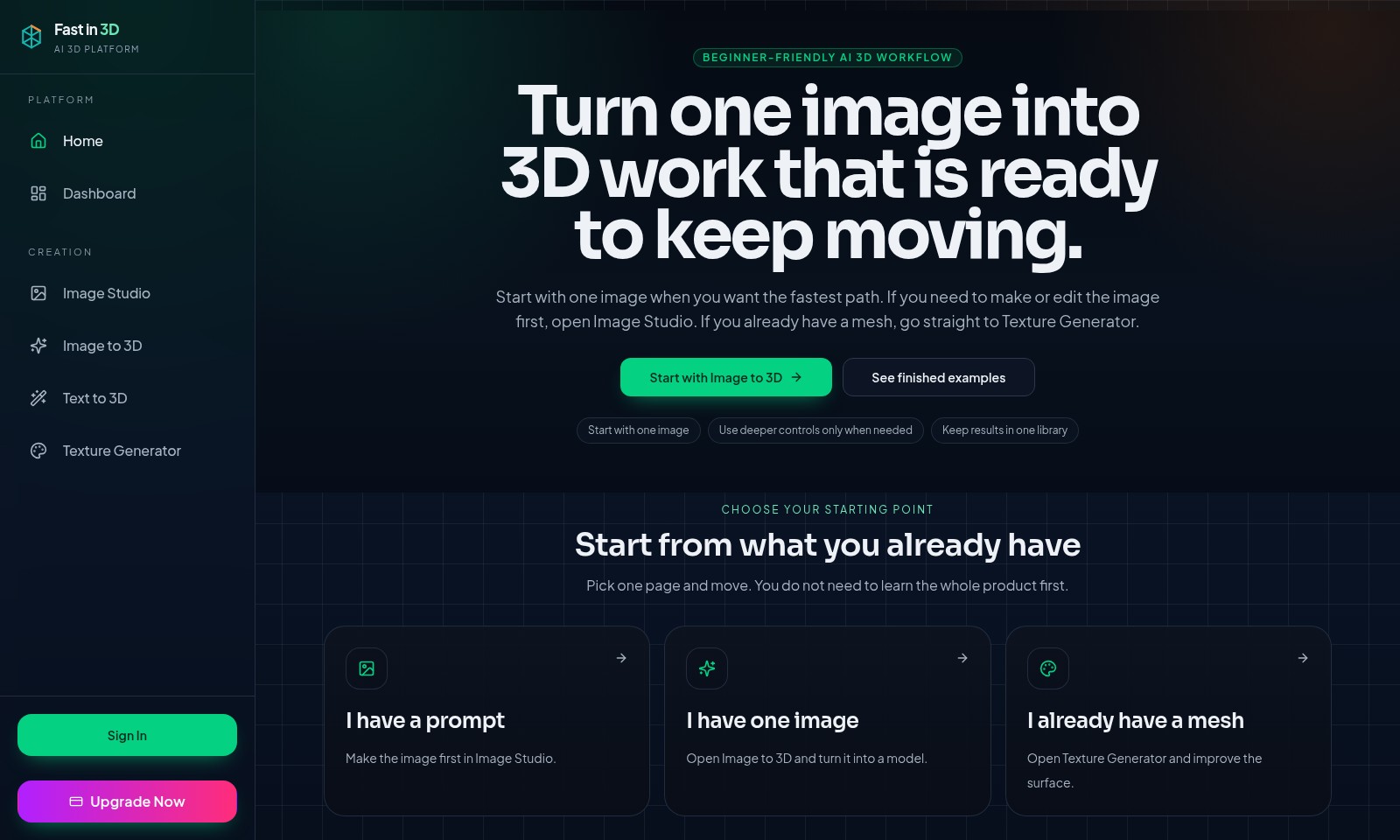
image to 3d model Introduction
Unleash Your Creativity with Fast in 3D
Fast in 3D is a cutting-edge AI-driven platform designed to simplify the creation of stunning 3D models from images. Our innovative tools allow users to transform their ideas into reality effortlessly, enabling artists, designers, and hobbyists to produce high-quality 3D content in a fraction of the time. With a beginner-friendly workflow, users can quickly navigate through our intuitive interface and achieve remarkable results.
image to 3d model Features
Beginner-Friendly AI 3D Workflow - Efficient Transition from 2D to 3D
The workflow simplifies the process of converting images into 3D models with minimal user input. This three-step pathway ensures that even novices can create high-quality 3D assets quickly and confidently.
Image to 3D Conversion - Rapid Model Creation
Users can convert a single image directly into a 3D model without the need for extensive training or background knowledge. This feature significantly reduces the learning curve associated with 3D modeling.
Texture Generator - Surface Quality Enhancement
The Texture Generator allows users to refine the surface details of existing 3D meshes. This technical feature elevates the visual appeal of models, ensuring they meet industry standards.
Comprehensive Library Management - Organized Assets
All generated results are kept in a single library, allowing easy access and management of 3D assets. This structured storage solution saves time and enhances productivity by keeping projects organized.
Flexible Starting Points - Tailored User Experience
Whether users have an initial prompt, an existing image, or a completed mesh, the platform supports various entry points. This adaptability caters to diverse workflows and user preferences, making it versatile for all types of projects.
Streamlined Progression - Seamless Workflow
The clear progression from image work into 3D modeling captures the essence of user efficiency. This straightforward approach means users can focus on creativity rather than getting bogged down with complicated processes.
Frequently Asked Questions About image to 3d model
FAQs
Q: How do I start creating my 3D models?
A: You can start by using the Image to 3D feature. Simply upload an image, and our platform will transform it into a 3D model ready for use. If you need to edit the image, use the Image Studio first.
Q: What if I already have a 3D mesh?
A: If you have an existing mesh, you can enhance it using the Texture Generator. This tool allows you to improve the surface quality and details of your 3D model effortlessly.
Q: Is my workflow going to be complicated?
A: Not at all! Our platform is designed for a smooth and beginner-friendly experience. By following the simple three-step process, you can efficiently move from image creation to 3D modeling.
Q: Can I access examples of finished models?
A: Yes! On our platform, you can view finished examples to inspire your projects and understand what is possible with our tools. It's a great way to see the capabilities of our 3D transformation features.
Q: What if I don’t have a starting image?
A: You can create an image in the Image Studio. Once complete, you can then convert it into a 3D model using the Image to 3D feature. We provide a seamless workflow for creating stunning visuals.
How to Use image to 3d model
Register for an Account
Create an account by clicking on the 'Sign In' button on the homepage. Fill in the required information to set up your profile.
Set up Your Profile
After registration, personalize your profile by adding details that will help optimize your experience. This could include preferences related to 3D modeling.
Choose Your Starting Point
Decide whether you want to start with an existing image, a prompt, or a pre-made mesh. This is crucial for efficiently moving through the creation process.
Use the Image Studio
If you have a prompt, use the Image Studio to generate an initial image. This tool allows for creativity and design before entering the 3D modeling phase.
Convert Image to 3D
Once you have your image, navigate to the Image to 3D section. Upload your image and follow the prompts to transform it into a 3D model. Adjust settings as necessary for the best results.
Refine with Texture Generator
If you already have a mesh, use the Texture Generator to enhance the surface. Experiment with different textures to achieve the desired output.
Store Your Creations
All finished projects can be stored in a single library for easy access. Regularly save your work to avoid losing progress and keep your designs organized.
Explore Advanced Features
As you become more comfortable, delve into deeper controls and features. Understand how various tools can modify your project and enhance your skills further.
Final Review and Export
Take a moment to review your 3D model before finalizing. Once satisfied, proceed to export your design in the preferred format for use or sharing.
Reviews
Pros
- Easy to use
- Fast processing
- Great results
- Affordable pricing
Cons
- Limited free version
- Requires internet connection
Comments
No comments yet. Be the first to share your thoughts!
image to 3d model - Alternative Platforms
For some alternatives to image to 3d model that you may need, we provide you with sites divided by features.

Meshy AI offers powerful AI-driven tools to instantly generate game-ready 3D models from text or images, catering to creators and developers.
Project Genie allows users to create, navigate, and remix photorealistic 3D environments in real-time, no design skills needed.
Transform your creative ideas into professional 3D assets quickly and easily using Hunyuan 3D's cutting-edge AI technology.
SAM 3D offers innovative tools for single-image 3D reconstruction, allowing easy transformation of images into 3D models with high accuracy and speed.