Luminar Neo
Luminar Neo bietet fortschrittliche Bearbeitungsfunktionen und KI-gestützte Tools für kreative Fotobearbeitung auf Mac und Windows.
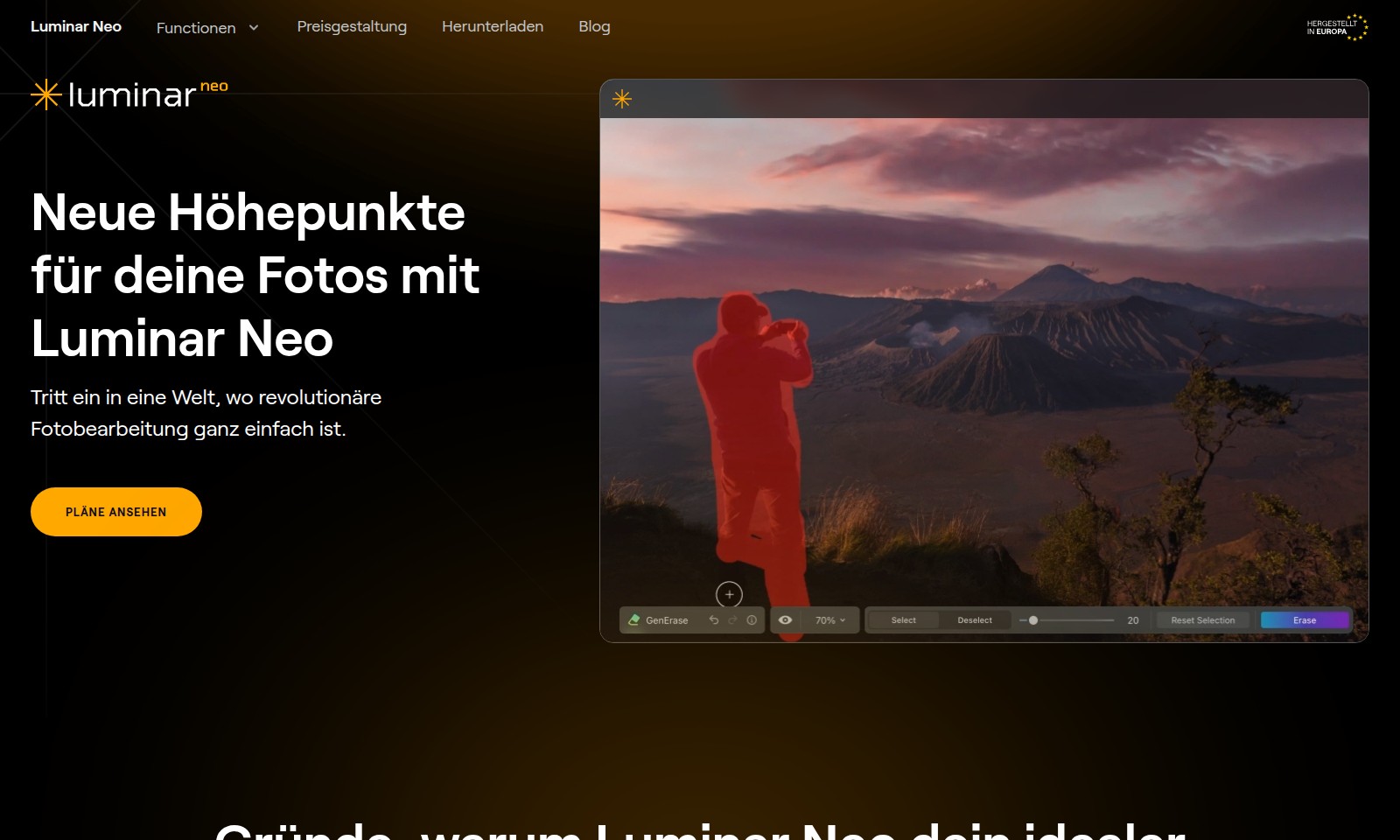
Luminar Neo Introduction
Transform Your Photography with Luminar Neo
Luminar Neo is a powerful photo editing software designed to elevate your images with advanced tools and intuitive features. Experience a seamless workflow that caters to both amateurs and professionals, making it the ideal companion for every photography journey.
Luminar Neo Features
Advanced Editing Features - Enhanced Creative Control
With Luminar Neo, unleash your artistic vision through a comprehensive suite of advanced editing tools. Tailor every element with precision adjustments for contrast, exposure, and color to achieve high-quality results that reflect your unique style.
AI Image Enhancement - Effortless Perfection
Experience the power of artificial intelligence in image enhancement. Luminar Neo’s AI algorithms automatically analyze your photos, optimizing brightness, color balance, and sharpness to ensure every image is stunning without the need for extensive manual adjustments.
Non-Destructive Editing - Preserve Your Originals
With non-destructive editing capabilities, make changes to your images without losing any original data. Easily revert to previous versions or reapply edits anytime, allowing for limitless exploration of your creative ideas without any risk to your original photos.
Layer Support - Complex Compositions Made Easy
Create intricate compositional layers seamlessly with Luminar Neo’s layer support. Utilize multiple editing layers to combine various effects and adjustments, maintaining full control over each element of your artwork for refined and detailed results.
Lens Correction - Crystal Clear Imagery
Achieve crystal-clear images through automatic lens correction features. Luminar Neo detects and corrects lens distortions and aberrations, resulting in professional-grade photos that are sharp and true to life.
Batch Processing - Streamlined Workflow
Optimize your time and maintain consistency with batch processing capabilities. Efficiently edit multiple photos at once, applying the same adjustments across an entire series, dramatically reducing editing time while ensuring uniform quality across all images.
Frequently Asked Questions About Luminar Neo
Frequently Asked Questions about Luminar Neo
What is Luminar Neo and what can it do for my photos? Luminar Neo is a powerful photo editing software designed to enhance your images with advanced editing tools and AI technology. It provides a seamless editing experience, enabling you to adjust contrast, exposure, and color details effectively.
How does AI technology improve my photo editing process? Luminar Neo uses AI to automate complex tasks such as image enhancement and object removal. This allows you to achieve professional-quality results without needing extensive editing experience, making the editing process faster and more intuitive.
Is there a free trial available for Luminar Neo? Yes, Luminar Neo offers a free trial so you can explore its features before making a purchase. This trial allows you to assess the software's capabilities and see how it can meet your photography requirements.
What are the different pricing plans for Luminar Neo? Luminar Neo has various pricing plans to fit different user needs. Whether you're a casual photographer or a professional, you can choose a plan that offers the best value, including options for individual licenses and subscription models.
Can I edit RAW files with Luminar Neo? Absolutely! Luminar Neo supports RAW editing, allowing photographers to work with high-quality files and make detailed adjustments without losing image quality. This feature is essential for those who require precision in their editing workflow.
Is Luminar Neo compatible with other photo editing software? Yes, Luminar Neo can be used as a standalone application or as a plugin for other popular editing software like Adobe Photoshop and Lightroom. This compatibility ensures that you can integrate it into your existing workflow without any hassle.
How to Use Luminar Neo
Step 1: Register an Account
Visit the Luminar Neo website and click on the 'Register' button. Fill in your details like name, email, and password to create your account.
Step 2: Verify Your Email
Check your email inbox for a verification link from Luminar Neo. Click on the link to verify your account and access all features.
Step 3: Download Luminar Neo
Go to the 'Download' section on the website. Choose the version compatible with your operating system (Windows or Mac) and follow the installation prompts.
Step 4: Set Up Your Profile
Log into your Luminar Neo account and go to your profile settings. Complete your profile with any additional information that enhances your user experience.
Step 5: Familiarize Yourself with the Interface
Explore the user interface of Luminar Neo after logging in. Familiarize yourself with where essential tools and features are located to make your editing process smoother.
Step 6: Import Your Photos
Click on the 'Import' button in the dashboard. Select the photos you want to edit from your device to start working with them in Luminar Neo.
Step 7: Explore Editing Tools
Utilize Luminar Neo’s advanced editing functions by clicking on the different tools available in the right panel. Experiment with options like AI photo enhancement, cropping, and color correction.
Step 8: Use AI Features for Quick Edits
Take advantage of AI-powered features that can automatically enhance your photos. Select the AI tools and watch your images transform with just a few clicks.
Step 9: Make Adjustments Manually
For fine-tuning, use manual controls for contrast, exposure, and color changes. Adjust these settings until you achieve your desired result.
Step 10: Save Your Edits
Once satisfied with your edits, click on 'Save' to store your changes. You can choose various formats and quality settings based on your requirements.
Step 11: Share Your Photos
After saving, share your edited photos directly from Luminar Neo to your favorite social media platforms, or download them to your device for private use.
Reviews
Pros
- Easy to use
- Fast processing
- Great results
- Affordable pricing
Cons
- Limited free version
- Requires internet connection
Comments
No comments yet. Be the first to share your thoughts!
Luminar Neo - Alternative Platforms
For some alternatives to Luminar Neo that you may need, we provide you with sites divided by features.

Your all-in-one AI platform for image and video creation, featuring tools for upscaling, editing, and generating visuals across multiple styles.
AIEASE features powerful AI tools for efficient and professional image editing, including background removal and quality enhancement.
Our AI Photo Enhancer offers powerful tools to restore and enhance your photos, ensuring high resolution and vibrant colors with easy-to-use features.
Explore Pixlr's AI-driven photo editing tools for users of all levels, offering features for editing, design, and image generation.