Bazaart
Bazaart provides powerful AI design tools and templates for social media, business, and personal projects, accessible on web and mobile.
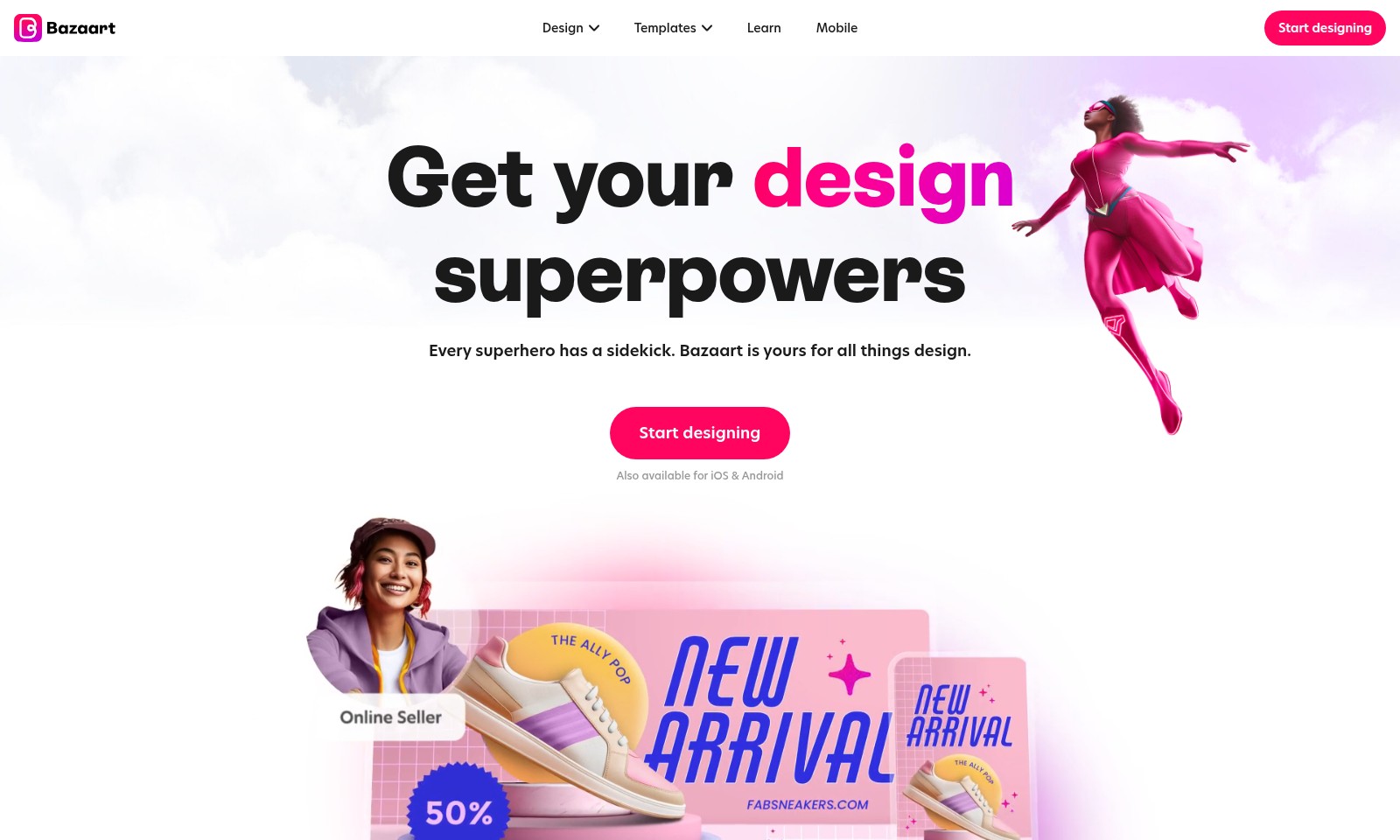
Bazaart Introduction
Transform Your Creativity with Bazaart
Bazaart is your ultimate design companion, empowering you to create stunning visuals effortlessly. With several AI-powered tools and an extensive library of design elements, every user can elevate their creative projects, from simple social media graphics to complex marketing materials.
Bazaart Features
AI Photo Editor - Streamline Your Editing Process
Experience a user-friendly interface that simplifies photo editing, allowing you to create stunning visuals effortlessly. With cutting-edge AI technology, adjustments are made in real-time, enabling you to achieve professional results in minutes.
AI Background Remover - Clean Up Your Images Instantly
Remove unwanted backgrounds from your photos with precision. Our AI Background Remover detects edges and intricate details, ensuring a flawless outcome that enhances your images for any use case, from marketing materials to personal projects.
AI Object Remover - Regain Focus on What Matters
This feature allows you to remove distracting elements from your images, directing attention to key subjects. Leveraging advanced algorithms, it fills in the gaps seamlessly, making your visuals more impactful and relevant for your audience.
AI Image Enhancer - Elevate Your Visuals
Transform your standard images into eye-catching assets. By applying intelligent adjustments to brightness, contrast, and saturation, AI Image Enhancer ensures every photo shines, making it ideal for social media posts and promotional content.
AI Image Generator - Create Unique Visual Content
Generate stunning images from scratch using simple text prompts. This tool provides infinite possibilities for creating custom graphics that cater to specific themes or campaigns, reflecting your brand's identity perfectly.
Templates - Save Time with Pre-Designed Options
Gain access to an extensive library of over 5,000 high-quality templates designed for various needs, from social media to business branding and personal celebrations. This feature ensures you spend less time designing and more time focusing on your content.
Design Elements - All You Need in One Place
With over 20 million design elements at your disposal, including photos, graphics, and fonts, you can customize your projects down to the smallest detail. This diverse collection caters to varying tastes and styles, ensuring your designs always stand out.
Frequently Asked Questions About Bazaart
Frequently Asked Questions
1. What tools does Bazaart offer for photo editing? Bazaart provides a range of powerful AI tools for photo editing, including an AI background remover, object remover, and an image enhancer. These tools enable users to seamlessly edit their images by removing unwanted elements and enhancing overall quality.
2. Can I use Bazaart for designing social media content? Absolutely! Bazaart offers a variety of templates specifically designed for social media platforms like Instagram and WhatsApp. You can create stunning posts, stories, and profile pictures that stand out with just a few clicks.
3. Is Bazaart available on mobile devices? Yes, Bazaart is available for both iOS and Android devices. This allows you to unleash your creativity and design on-the-go, making it convenient for users who want to create professional-looking designs anywhere.
4. How can I enhance my designs with Bazaart? With over 20 million design elements at your disposal, including photos, graphics, and fonts, you can enhance your designs significantly. Moreover, Bazaart’s magical AI tools help supercharge your creativity, giving your designs a professional touch.
5. Are there any templates for personal celebrations? Bazaart offers a diverse collection of templates for personal celebrations, such as invitations, collages, and greeting cards. These templates make it easy to create personalized designs for events like birthdays, graduations, and weddings.
6. How do I get started with Bazaart? Getting started with Bazaart is simple! You can begin designing immediately by selecting a template or starting from scratch. Join millions of users who utilize Bazaart to create beautiful designs every month.
How to Use Bazaart
Register on the Website
Visit the registration page and enter your email address and password. Click on the 'Sign Up' button to create your account.
Verify Your Email
Check your email inbox for a verification email. Click the link in the email to confirm your registration.
Set Up Your Profile
Once logged in, navigate to your profile page. Fill in your personal information and upload a profile picture to personalize your account.
Explore the Dashboard
Take a moment to familiarize yourself with the dashboard. Check out the various tools and options available for your design projects.
Start a New Project
Click on the 'Start Designing' button to begin a new project. Select the type of design you want to create from the available templates.
Utilize AI Tools
Explore the AI tools available, such as the AI photo editor and AI background remover. These tools will enhance your design process significantly.
Save and Share Your Designs
Once you are happy with your design, make sure to save your work. You can also share your creations directly to social media platforms like Instagram and WhatsApp.
Seek Help and Tutorials
If you need assistance, visit the 'Learn' section for tutorials and guides. This will help you become more proficient in using the platform and its features.
Reviews
Pros
- Easy to use
- Fast processing
- Great results
- Affordable pricing
Cons
- Limited free version
- Requires internet connection
Comments
No comments yet. Be the first to share your thoughts!
Bazaart - Alternative Platforms
For some alternatives to Bazaart that you may need, we provide you with sites divided by features.

Experience the ultimate video editing and conversion tool with UniConverter 17, featuring AI-driven enhancements for superior quality and speed.
Fotor offers a comprehensive suite of online editing tools making photo enhancement simple and efficient for all users.
Upscayl transforms low-resolution images into high-quality visuals using AI, available on cloud and desktop for easy access.
Shop Topaz Labs' Black Friday sale for discounts on image and video enhancement tools, trusted by professionals worldwide.