Gigapixel AI
Your all-in-one AI platform for image and video creation, featuring tools for upscaling, editing, and generating visuals across multiple styles.
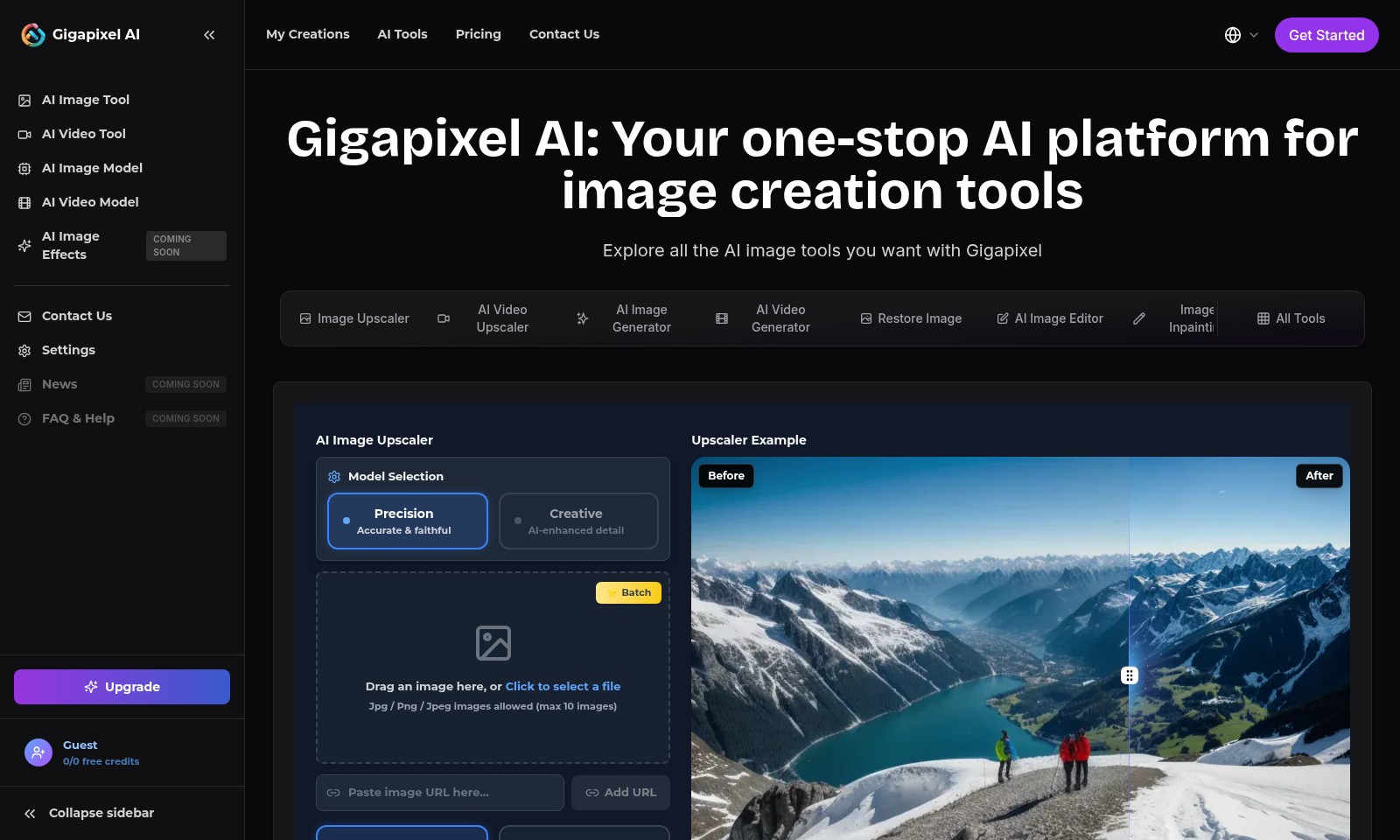
Gigapixel AI Introduction
Gigapixel AI: Your one-stop AI platform for image creation tools
Gigapixel AI is a cutting-edge platform designed to empower users with powerful AI-driven tools for image creation and enhancement. By harnessing state-of-the-art technology, our website provides a comprehensive suite of features that seamlessly elevate image quality and redefine visual storytelling. Whether you are a professional photographer, graphic designer, or creative enthusiast, our array of tools is tailored to meet your needs, ensuring your images achieve utmost clarity and aesthetic appeal.
Gigapixel AI Features
AI Image Upscaler - Enhance your images effortlessly. Quickly upscale your images up to 6x while preserving the original details through advanced AI algorithms. This tool is perfect for photographers and designers needing high-resolution assets in a fraction of the time.
Frequently Asked Questions About Gigapixel AI
FAQs about Gigapixel AI
1. What is Gigapixel AI?
Gigapixel AI is a powerful AI-driven platform that offers a suite of image creation tools, including image upscaling, restoration, and editing. It utilizes advanced algorithms to enhance image resolution while preserving or improving clarity and detail.
2. How can I upscale an image using Gigapixel AI?
To upscale an image, simply drag and drop your desired file onto the Gigapixel AI interface or click to select a file. You can choose from different AI models to suit your needs, such as 'Creative' for enhanced detail or 'Precise' for fidelity.
3. What image formats does Gigapixel AI support?
Gigapixel AI supports JPG, PNG, and JPEG image formats. You can upload a maximum of 10 images at a time for batch processing, making it easy to manage your projects efficiently.
4. Is there a free trial available for Gigapixel AI?
Yes, Gigapixel AI offers free credits for new users. You can sign up to explore the features and functionality of the platform without any financial commitment. Check the pricing section for more details.
5. What tools can I find in Gigapixel AI?
Gigapixel AI offers a variety of tools, including AI Image Tools for upscaling and enhancements, AI Video Tools for video quality improvement, and AI Image Effects for creative adjustments, ensuring a comprehensive solution for all your image needs.
6. How can I contact support for help with Gigapixel AI?
If you need assistance, you can reach out through the 'Contact Us' section on the Gigapixel AI website. Support representatives are available to help you with any inquiries or issues you may have.
How to Use Gigapixel AI
Step 1: Register an Account
Visit the Gigapixel AI website and navigate to the registration page. Fill in your details to create a new account, and confirm your email address to complete the registration process.
Step 2: Log In to Your Account
Once your account is confirmed, log in using your credentials. This step gives you access to the complete suite of tools available on the platform.
Step 3: Set Up Your Profile
After logging in, go to the settings section to set up your user profile. Here, you can update your personal information and preferences to tailor your experience.
Step 4: Explore AI Tools
Browse through the various AI tools available, such as the Image Upscaler and AI Image Generator. Familiarize yourself with the features of each tool to understand how they can benefit you.
Step 5: Upload Your First Image
Select the AI Image Upscaler tool and upload your first image. Ensure the file is in JPG, PNG, or JPEG format, and meet the maximum file size requirement to proceed.
Step 6: Choose Your Settings
Decide on your desired upscale ratio, choosing options like 2x or more. Select the model that suits your needs, either precision or creative, for the best quality.
Step 7: Start Processing
Click on the start button to begin the image processing. Wait for the tool to enhance your image based on the selected settings, and then download the finished product.
Step 8: Utilize Additional Features
Explore other fantastic features like the AI Video Tool and AI Image Effects to enhance your creative projects further. Experiment with different tools to find the perfect solution for your needs.
Step 9: Review Your Creations
Visit the 'My Creations' section to view, manage, and download your processed images or videos. Keep track of your projects and reference them for future work.
Step 10: Get Help If Needed
If you encounter any issues or have questions, refer to the FAQ & Help section or contact support for assistance. Don’t hesitate to reach out, as there’s help available to enhance your experience.
Reviews
Pros
- Easy to use
- Fast processing
- Great results
- Affordable pricing
Cons
- Limited free version
- Requires internet connection
Comments
No comments yet. Be the first to share your thoughts!
Gigapixel AI - Alternative Platforms
For some alternatives to Gigapixel AI that you may need, we provide you with sites divided by features.

AIEASE features powerful AI tools for efficient and professional image editing, including background removal and quality enhancement.
Our AI Photo Enhancer offers powerful tools to restore and enhance your photos, ensuring high resolution and vibrant colors with easy-to-use features.
Explore Pixlr's AI-driven photo editing tools for users of all levels, offering features for editing, design, and image generation.
Luminar Neo bietet fortschrittliche Bearbeitungsfunktionen und KI-gestützte Tools für kreative Fotobearbeitung auf Mac und Windows.