Read AI
Discover how Read AI optimizes your meetings and communication through smart summarization and seamless tool integration.
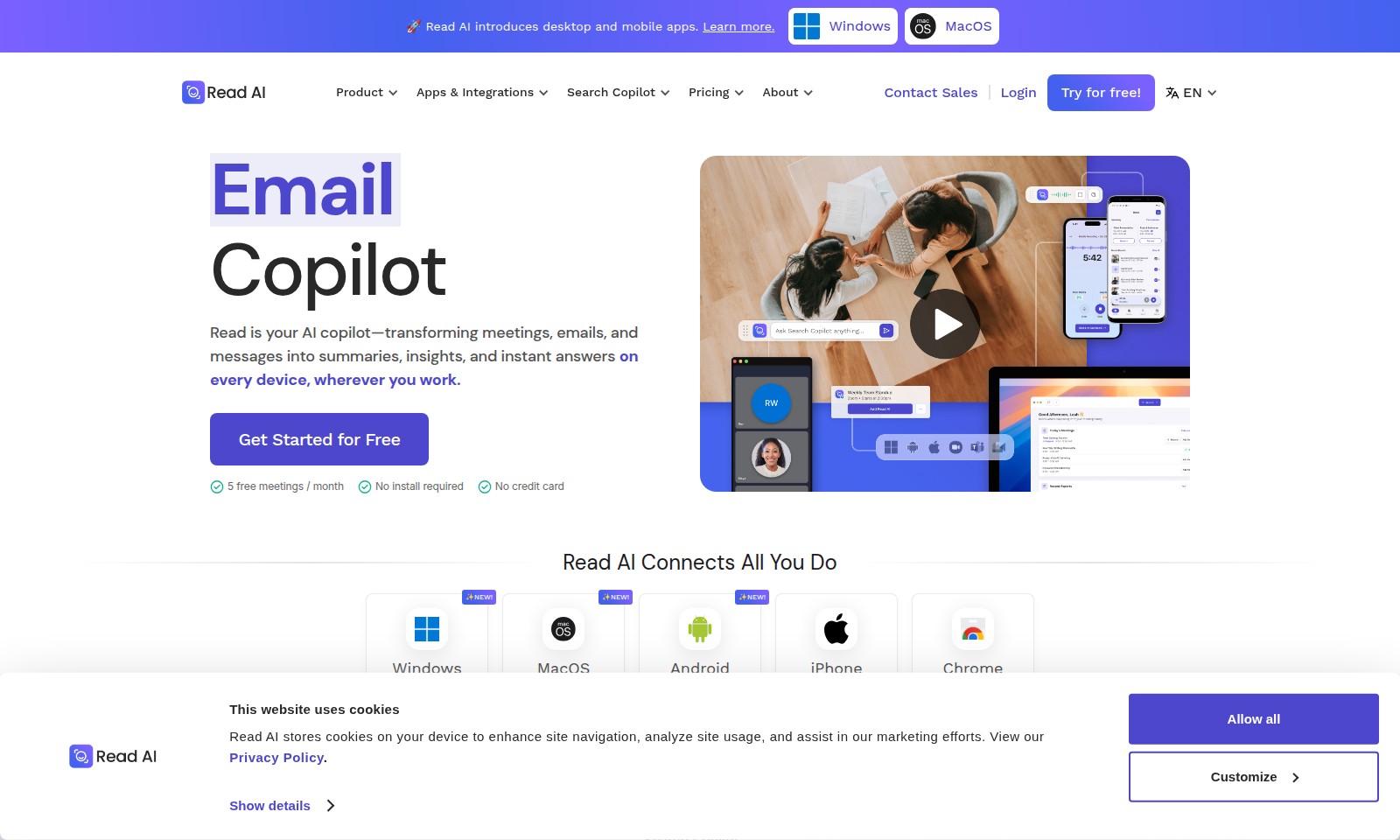
Read AI Introduction
Read AI: Your Essential Copilot for Productivity
Read AI revolutionizes the way you interact with your digital workspace. Designed for seamless integration into your everyday tasks, Read AI effortlessly transforms meetings, emails, and messages into concise summaries and actionable insights. Whether on desktop or mobile, you can access your AI copilot anytime, anywhere, enhancing your productivity and efficiency. With no installation required and a simple login process, getting started is incredibly user-friendly.
Read AI Features
Read AI - Your AI Copilot for Enhanced Productivity
Transform your meetings, emails, and messages into concise summaries and actionable insights instantly. With seamless integration across all devices, Read AI ensures that you are always equipped with the information you need, when you need it.
Search Copilot - Enterprise Search for Everyone
Revolutionize your search experience with Search Copilot, the AI-powered engine that unifies insights across various platforms. It allows you to access project updates, insights, and crucial data from meetings, emails, chats, CRMs, and workflows with a single query for effective decision-making.
Cookie Management - Enhanced Privacy Control
Take full control over your data with our comprehensive cookie management feature. Easily customize your privacy settings, allowing you to manage what cookies to accept while enjoying a tailored browsing experience.
Multi-Platform Accessibility - Work Anywhere
Enjoy the flexibility of accessing Read AI across multiple platforms including Windows, macOS, Android, and iPhone. This ensures uninterrupted productivity whether at the office, at home, or on the go, facilitating a truly mobile work environment.
Free Trial - Get Started with Zero Commitment
Experience the full potential of Read AI with our no-cost trial, allowing up to 5 free meetings per month. No credit card is required to start, making it incredibly easy to integrate AI into your daily workflow without financial risk.
Frequently Asked Questions About Read AI
Frequently Asked Questions
What are cookies and why does this website use them?
Cookies are small text files stored on your device that help personalize your browsing experience. This website uses cookies to enhance site navigation, analyze site usage, and assist in our marketing efforts, ensuring you get the best possible interaction.
How can I manage cookie preferences on this website?
Users have the ability to customize their cookie preferences. You can choose to allow all cookies or select specific cookies you want to enable or disable, ensuring you maintain control over your data and privacy while navigating the site.
What features does Read AI offer for enhancing my productivity?
Read AI serves as your AI copilot, transforming meetings, emails, and messages into summaries, insights, and instant answers across all devices. With both desktop and mobile apps available, you can seamlessly access your AI tools wherever you work, allowing for effective time management and productivity boosts.
Is there a cost associated with using Read AI?
Read AI offers a free trial period, allowing users to try the service without a credit card. You can take advantage of five free meetings per month to experience the full capabilities without any financial commitment.
How does the Search Copilot feature work?
The Search Copilot is an AI-powered search and discovery engine that combines insights across various platforms including meetings, emails, chats, and CRMs. It enables users to quickly and efficiently find relevant information across multiple workflows, making collaboration and project management smoother and more coherent.
How can I get started with Read AI?
Getting started with Read AI is simple. You can sign up for free directly on the website, with no installation required. The easy-to-use interface provides immediate access to tools tailored for enhancing communication and managing tasks effectively.
How to Use Read AI
Step 1: Register an Account
Visit the Read AI website and locate the 'Try for free!' button. Click on it and fill in your email address to create a new account.
Step 2: Confirm Your Email
Check your email inbox for a confirmation message from Read AI. Click on the link within the email to validate your account and complete the registration process.
Step 3: Sign In
Return to the Read AI website and click on 'Login.' Enter your registered email and password to access your account.
Step 4: Set Up Your Profile
After logging in, navigate to the profile settings. Fill out your profile with your name and preferred contact information to personalize your experience.
Step 5: Explore the Dashboard
Take a moment to familiarize yourself with the dashboard layout. Check out the key features like 'Search Copilot' and 'Apps & Integrations' to understand what tools are available.
Step 6: Access AI Copilot.
From the dashboard, find the Read AI Copilot. This tool will help transform your meetings, emails, and messages into valuable insights. Click on it to start using the feature.
Step 7: Install Mobile or Desktop Apps
If you prefer using mobile or desktop apps, locate the download section for Windows, MacOS, Android, or iPhone. Click on the respective link to download and install the app.
Step 8: Customize Settings
After installing the app, open it and go to the settings menu. Here, you can customize notification preferences and AI settings according to your needs.
Step 9: Start a Meeting
To create your first meeting summary, navigate to the meeting feature. Schedule or input details of the meeting, and then allow Read AI to generate a summary for you.
Step 10: Utilize Search Copilot
Utilize the Search Copilot feature to gather insights from your emails and chats. Simply input your search query, and the AI will aggregate the relevant information for you.
Step 11: Manage Your Data
As you use the platform, remember you can manage your cookies and data preferences. You will find the option to customize these settings in the privacy section of your account settings.
Step 12: Review the Privacy Policy
Before fully committing, make sure to review the Privacy Policy regarding how Read AI handles cookies and user data to ensure it meets your comfort level.
Step 13: Seek Additional Help
If you encounter any issues, visit the contact sales or support section. You can reach out for help regarding features or any troubleshooting you may need.
Reviews
Pros
- Easy to use
- Fast processing
- Great results
- Affordable pricing
Cons
- Limited free version
- Requires internet connection
Comments
No comments yet. Be the first to share your thoughts!
Read AI - Alternative Platforms
For some alternatives to Read AI that you may need, we provide you with sites divided by features.

BlueMail offers a cross-platform email solution with advanced features like AI-powered email summarization, unified inboxes, and integrated calendar functionalities.
Missive is a collaboration tool designed for teams using email, offering features like shared inboxes, task management, and integrations for workflow optimization.
Dimension is an AI tool that automates scheduling, organizes tasks, and optimizes workflows for teams and individuals to enhance productivity.
Tidio Copilot is a free Chrome extension that automates responses for customer service teams, integrating with major platforms and enhancing productivity.