Muka
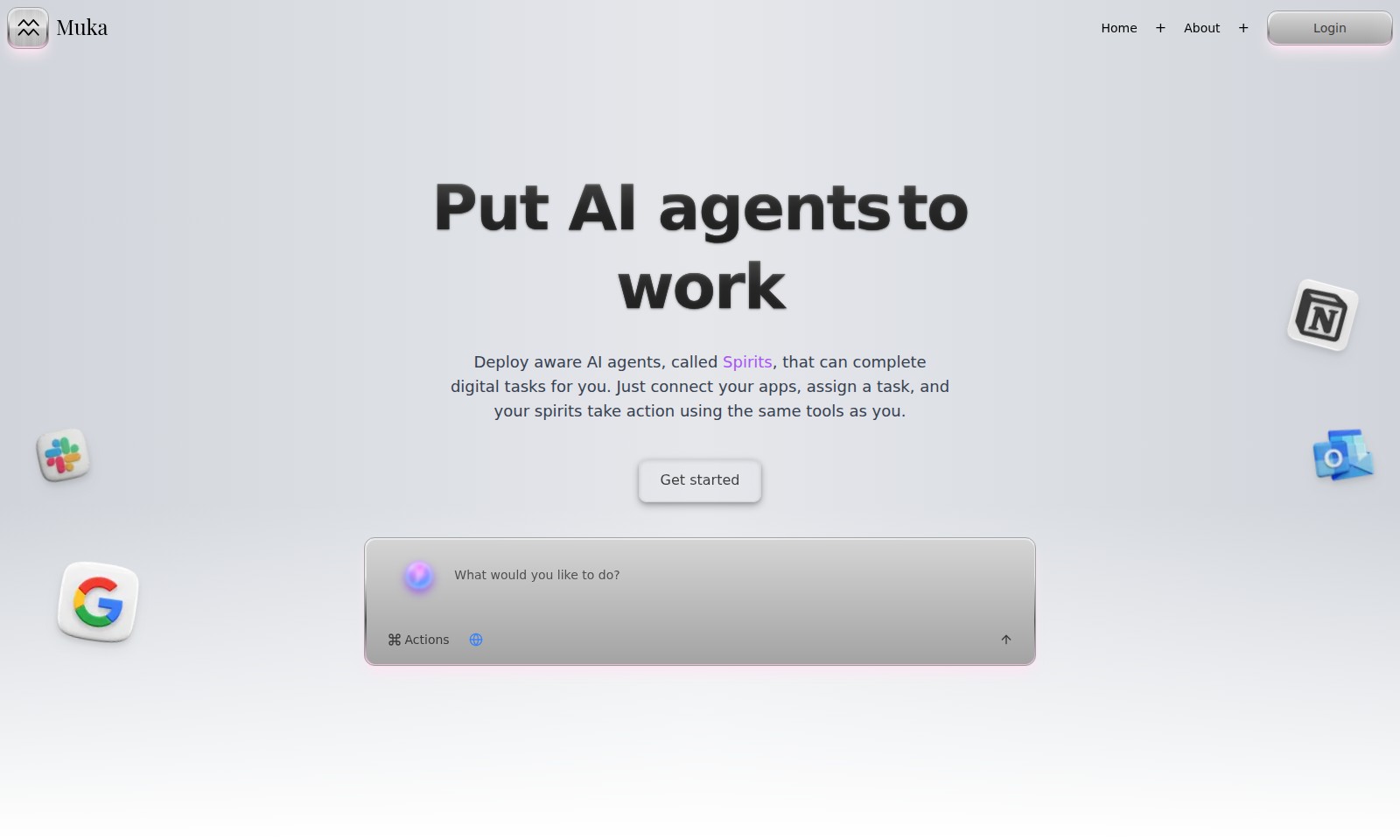
Muka connects to your apps, enabling AI agents to handle tasks like research, email drafting, and meeting summaries, making work more efficient.
Muka Introduction
Muka: Empowering Your Digital Efficiency
Muka provides a seamless integration of AI agents, known as Spirits, designed to automate your digital tasks. By connecting your existing apps, Muka enables you to delegate hands-off tasks while these intelligent agents take action just like you would, freeing up your time for more strategic pursuits.
Muka Features
Actions - Streamline Your Workflow
With Muka, you can chat with all your software tools seamlessly. Our platform connects various applications, enabling you to execute tasks directly within them as if you were doing it yourself. By reducing the time spent switching between platforms, users can enhance their productivity and focus on high-value work.
Task Automation - Effortless Task Management
Muka empowers users to assign hands-off tasks to AI agents called Spirits. Whether you need to schedule a report or trigger an event, Muka operates on-demand or according to a preset schedule. This feature ensures that routine tasks are completed efficiently, saving users valuable time every day.
Research Assistant - Competitive Edge through Insights
Stay a step ahead in your industry with Muka's Research Assistant feature. It gathers competitor insights and market data, allowing users to make informed decisions. By providing real-time analysis of trends and performance metrics, users can strategize more effectively without dedicating hours to manual research.
Content Writer - Crafting Effective Marketing Materials
Get high-quality marketing copy and blog posts generated effortlessly with Muka's Content Writer feature. Utilizing advanced AI algorithms, this tool understands your brand voice and creates engaging content that resonates with your audience, saving you time and ensuring consistency across all channels.
Spreadsheet Guru - Mastering Data Complexity
Muka's Spreadsheet Guru automates complex analytics and formulas, transforming how you handle data. From generating insights to conducting detailed analyses, this feature simplifies spreadsheet tasks, enabling users to focus on deriving actionable insights rather than getting lost in data manipulation.
Email Concierge - Improve Communication Efficiency
Muka's Email Concierge feature drafts onboarding and lifecycle emails tailored to your needs. By automating email communications, users can maintain engagement with clients while ensuring that every message is personalized and timely. This leads to better customer retention and satisfaction.
Meeting Summarizer - Enhance Meeting Productivity
Transform your meetings with Muka's Meeting Summarizer. This feature converts call transcripts into concise, actionable summaries, reducing the need for extensive note-taking. Users can review key points quickly, ensuring that important decisions and tasks are not overlooked after discussions. This promotes clarity and focus, which is critical for project success.
Frequently Asked Questions About Muka
Frequently Asked Questions
What is Muka and how does it work?
Muka is a platform that enables users to deploy AI agents, known as Spirits, to complete digital tasks. You can connect your applications, assign specific tasks, and let the Spirits take action using the same tools you use daily. This automation helps streamline your workflows, saving you valuable time.
How can I get started with Muka?
Getting started with Muka is easy! Simply visit our website, create an account, and connect the software tools you currently use. Once your apps are connected, you can assign your Spirits to carry out tasks automatically or on a schedule to improve your productivity.
What types of tasks can Muka Spirits complete?
Muka Spirits are designed to handle a variety of tasks, including drafting marketing copy, summarizing meetings, automating spreadsheet analytics, and researching market data. This versatility allows you to delegate time-consuming activities, enabling you to focus on more critical areas of your work.
Are there any limitations on the tasks I can assign to Muka?
While Muka is built to handle a wide range of tasks, certain complex processes may require human oversight. However, for routine and repetitive tasks, Muka's Spirits excel. It’s best to explore the specific capabilities of each Spirit to optimize your experience.
How secure is my data when using Muka?
Data security is a top priority for Muka. We implement industry-standard encryption and security protocols to ensure your data is protected while using our platform. We recommend reviewing our privacy policy for more detailed information on how your data is managed.
Can I use Muka with my existing software tools?
Yes! Muka is designed to work seamlessly with a variety of software tools that you may already be using. By connecting these tools to Muka, you can enhance their capabilities with the intelligent automation offered by our Spirits, making your workflow much more efficient.
How to Use Muka
Step 1: Register on Muka
Visit the Muka homepage and click on the 'Get started' button. Fill in your details to create your account and verify your email to activate your profile.
Step 2: Set up your profile
Log in to your account and navigate to the settings section. Complete your profile information to personalize your experience and start utilizing all features.
Step 3: Connect your tools
Go to the integrations page and connect all your software tools that Muka will interact with. This could include emails, spreadsheets, or CRM systems.
Step 4: Explore your dashboard
Familiarize yourself with the Muka dashboard. Take a tour of the features available, such as accessing your Spirits and setting up automation tasks.
Step 5: Assign your first task
Choose a task to automate by selecting one of your connected tools. Specify the actions you want your Spirit to perform, like drafting emails or providing research insights.
Step 6: Monitor the task completion
Check the task status on your dashboard to see how your assigned task is progressing. You can view the logs for transparency and adjustments.
Step 7: Review and optimize
After the task is completed, review the outcome. Make any necessary adjustments to improve efficiency in future tasks you assign to Muka Spirits.
Reviews
Pros
- Easy to use
- Fast processing
- Great results
- Affordable pricing
Cons
- Limited free version
- Requires internet connection
Comments
No comments yet. Be the first to share your thoughts!
Muka - Alternative Platforms
For some alternatives to Muka that you may need, we provide you with sites divided by features.