Clawdbot
Clawdbot is an open-source AI that acts as a personal assistant, allowing users to manage tasks through popular messaging applications.
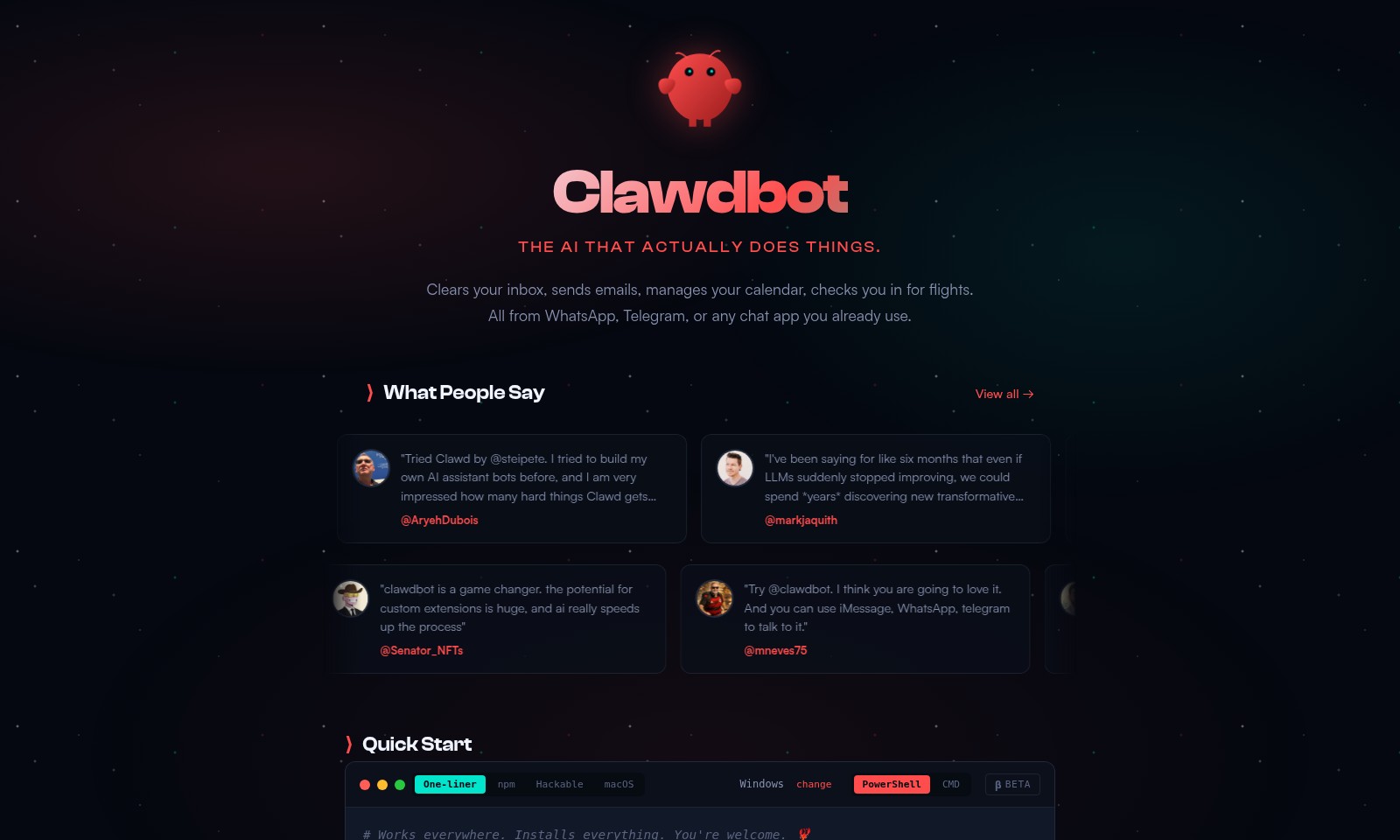
Clawdbot Introduction
Clawdbot: Your AI Personal Assistant
Clawdbot revolutionizes the way you manage tasks and communication, seamlessly integrating artificial intelligence into your daily routines. This innovative AI solution clears your inbox, sends emails, manages your calendar, and even checks you in for flights, all through the chat applications you already use, such as WhatsApp and Telegram. Experience the convenience and efficiency of having a personal assistant that works where you do, helping you stay organized and on top of your schedule.
Clawdbot Features
Inbox Management - Streamline Your Communication
Clawdbot takes the hassle out of managing your inbox by automatically sorting and prioritizing your emails. It's integrated with major email platforms, ensuring all your communications are in one place and easily accessible.
Smart Scheduling - Optimize Your Time
With Clawdbot, scheduling meetings is a breeze. It dynamically checks your calendar and suggests optimal times for meetings. This feature ensures that you make the most out of your day without overbooking.
Flight Check-In - Stress-Free Travel
Clawdbot simplifies your travel experience by checking you in for flights automatically. Utilizing real-time flight data and notifications, it guarantees that you never miss a flight again.
Multi-Platform Accessibility - Seamless Integration
Connect and interact with Clawdbot through any chat app like WhatsApp or Telegram. This feature allows users to manage their tasks and communications on their preferred platforms, enhancing convenience.
Continuous Learning - Adaptive Intelligence
Clawdbot incorporates advanced learning algorithms that improve its performance based on user interactions. This not only enhances task efficiency but also tailors the experience according to your preferences.
Frequently Asked Questions About Clawdbot
FAQs about Clawdbot
What is Clawdbot?
Clawdbot is an AI assistant that helps you manage various tasks like clearing your inbox, sending emails, managing your calendar, and checking you in for flights. It integrates seamlessly with apps you already use like WhatsApp and Telegram, making it accessible and user-friendly.
How can I set up Clawdbot?
Setting up Clawdbot is straightforward. Simply follow the installation guide on our website, connect your chat app, and start using it to manage your tasks. You can personalize it further by specifying your preferences and frequently used commands.
Can Clawdbot be used in multiple chat applications?
Yes, Clawdbot works with various chat applications including WhatsApp, Telegram, and others. This flexibility allows you to access your assistant wherever you prefer to chat, ensuring you never miss an important task or reminder.
Is my data safe with Clawdbot?
Clawdbot prioritizes user privacy and data security. We implement robust security measures to protect your data, and we never share your personal information with third parties without your consent. You can use Clawdbot with confidence, knowing that your information is secure.
What makes Clawdbot different from other AI assistants?
Clawdbot stands out due to its unique capabilities, such as persistent memory and persona onboarding. It not only remembers your preferences but also adapts to your communication style, providing a more tailored interaction. Additionally, its ability to integrate with multiple platforms enhances its functionality and convenience.
How does Clawdbot handle updates and improvements?
Clawdbot is designed to evolve continuously. We are always working on updates and improvements based on user feedback, ensuring that the assistant becomes smarter and more efficient over time. You can expect regular enhancements that cater to your needs and preferences.
How to Use Clawdbot
Register Your Account
Start by visiting the Clawdbot website and click on the 'Sign Up' button. Fill in your email and create a strong password. Ensure to confirm your email by checking your inbox and clicking on the verification link.
Set Up Your Profile
Once logged in, you will be prompted to set up your profile. Add your name, profile picture, and any relevant personal details. This helps personalize your experience with Clawdbot.
Configure Your Preferences
Navigate to the settings page and configure your preferences. Choose the platforms you want to integrate, such as WhatsApp or Telegram, and set your notification preferences for alerts and updates from the bot.
Integrate Clawdbot with Communication Apps
Follow the instructions to integrate Clawdbot with your preferred chat applications. For example, provide the necessary permissions for Clawdbot to access your WhatsApp or Telegram account, ensuring seamless communication.
Begin Using Key Features
Explore Clawdbot's key features such as inbox clearing, email management, and flight check-ins. Start by typing simple commands like 'clear inbox', and observe how Clawdbot executes these tasks efficiently.
Monitor Your Activity
Keep track of how many tasks Clawdbot has completed for you. Go to the dashboard to view summaries of your tasks, ensuring you stay organized and informed about your daily activities.
Fine-tune Your Interactions
As you continue using Clawdbot, refine your commands and interaction style. Experiment with different phrases to see how Clawdbot responds, adapting your approach to optimize the assistant's performance over time.
Reviews
Pros
- Easy to use
- Fast processing
- Great results
- Affordable pricing
Cons
- Limited free version
- Requires internet connection
Comments
No comments yet. Be the first to share your thoughts!
Clawdbot - Alternative Platforms
For some alternatives to Clawdbot that you may need, we provide you with sites divided by features.

Dart offers innovative AI features for intelligent task management, customizable workspaces, and effective project planning to boost team efficiency.
Explore guest mode benefits, including chat saving and optimized responses through a quick sign-up.
Beam AI is an AI-driven software for accurate takeoff and estimating, helping contractors automate processes and improve bid efficiency.
Discover Clawdbot, a self-hosted AI assistant that manages tasks and integrates with various messaging platforms, with full control over your data.