Rayyan
Rayyan is a powerful tool for researchers to enhance efficiency in systematic literature reviews through AI, collaboration, and intuitive features.
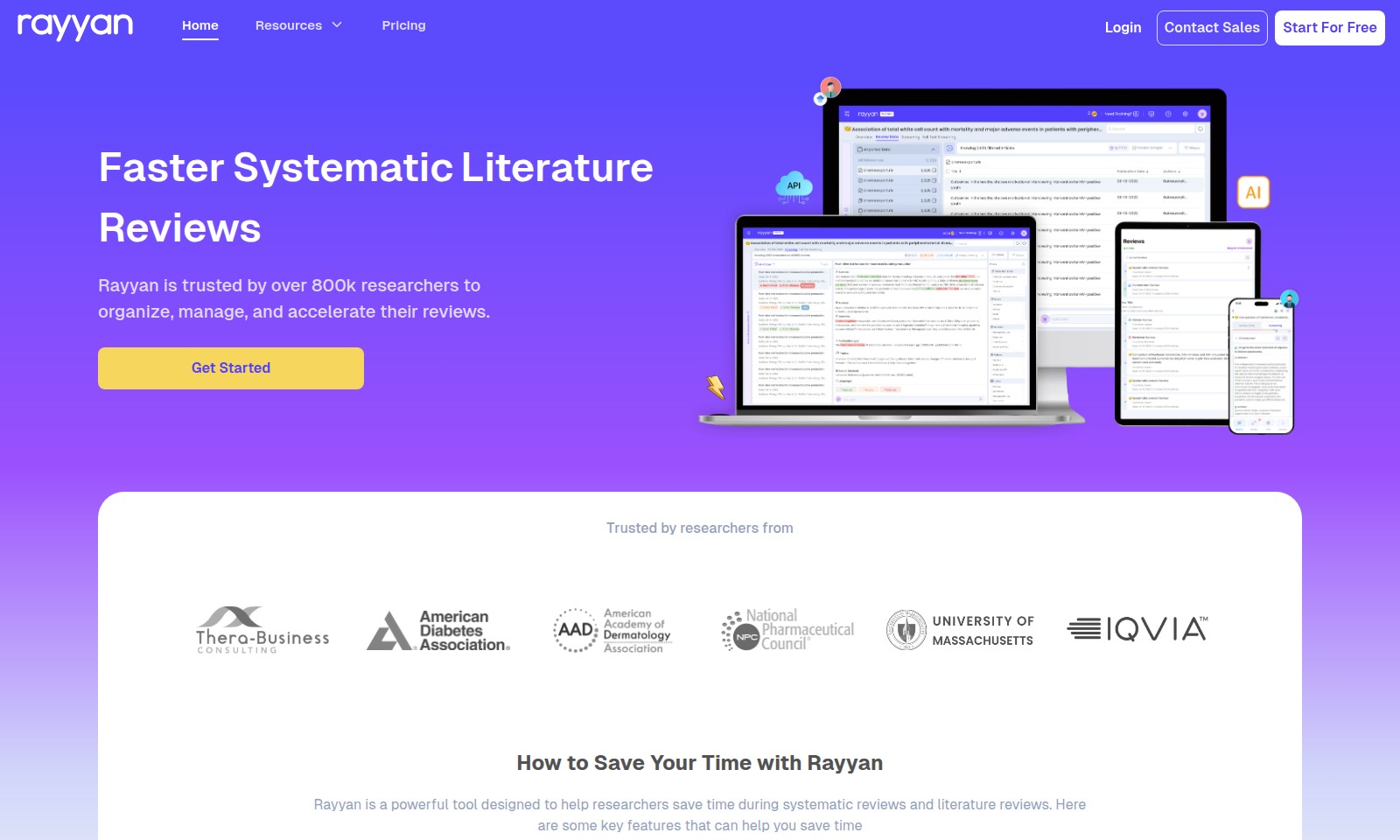
Rayyan Introduction
Rayyan: Revolutionizing Systematic Reviews
Rayyan is a powerful tool designed to help researchers save time during systematic reviews and literature reviews. With its AI-powered screening and mobile app, Rayyan offers a streamlined review process that reduces screening time by up to 90%.
Rayyan Features
AI-Powered Screening - Accelerated Review Process
Rayyan's AI streamlines your review process, reducing screening time by up to 90%. By utilizing advanced algorithms, researchers can efficiently manage large datasets without the manual overhead traditionally associated with literature reviews.
Mobile App for Continuous Access - Flexibility in Research
With Rayyan’s mobile app, users can work on their reviews anytime and anywhere, turning downtime into productive time. This feature is designed to cater to researchers who require flexibility in their workflow, ensuring they can stay organized and productive on the go.
Advanced Deduplication - Eliminate Redundant Efforts
Rayyan’s deduplication feature automatically identifies and removes duplicate references from your dataset. This functionality is crucial for maintaining efficiency in systematic reviews, allowing researchers to focus solely on unique content and thereby saving significant time in the literature review process.
Collaborative Features - Enhance Teamwork
Rayyan supports collaboration among multiple researchers. Team members can easily share reviews, comment on articles, and communicate directly through the platform. This enhances efficiency and collaboration, especially for large research teams working on complex systematic reviews.
User-Friendly Interface - Simplified Learning Curve
The intuitive design of Rayyan’s interface makes onboarding quick and easy for new users. The focus on user experience minimizes training time and helps researchers to intuitively navigate the platform, thereby enabling them to start their systematic reviews without steep learning curves.
Frequently Asked Questions About Rayyan
FAQ about Rayyan
1. How does Rayyan help me save time during my systematic reviews?
Rayyan is designed to streamline the review process using AI technology that can reduce your screening time by up to 90%. By automating repetitive tasks, you can focus on critical analysis rather than manual sorting.
2. Can I use Rayyan on my mobile device?
Yes! Rayyan has a dedicated mobile app that allows you to conduct your reviews anytime and anywhere. This way, you can turn your downtime into productive time, making it easy to manage your research on the go.
3. What is the deduplication feature, and how does it work?
Rayyan’s advanced deduplication feature automatically identifies and removes duplicate references from your dataset. This ensures efficiency by preventing the same articles from being reviewed multiple times, thereby saving you valuable time.
4. Is Rayyan suitable for both systematic and literature reviews?
Absolutely! Rayyan is specifically designed to assist with both systematic and literature reviews. Its AI-powered functionalities cater to the needs of researchers in various disciplines, helping to organize and accelerate the review process effectively.
5. Can I collaborate with others using Rayyan?
Yes, Rayyan offers collaboration features that make it easy to work with co-researchers. You can share your review projects and allow multiple users to contribute, making it an excellent tool for team-based research efforts.
6. How do I get started with Rayyan?
Getting started with Rayyan is quick and easy. Just visit our website, click on 'Get Started Now', and you can begin with a free trial to explore all the powerful features designed to enhance your research efficiency.
How to Use Rayyan
Sign Up for an Account
To start using Rayyan, click on the 'Start For Free' button on the homepage.
Fill in the required fields with your email address and a secure password, then submit the form to create your account.
Verify Your Email Address
Check your email inbox for a verification message from Rayyan.
Click on the link provided in the email to verify your account and gain access to the platform.
Set Up Your Profile
Once logged in, navigate to your profile settings.
Fill in your details, such as your name and organization, to personalize your experience and enhance collaboration.
Create Your First Review
Click on the 'Create New Review' button on your dashboard.
Follow the prompts to give your review a title and description, setting the stage for your systematic or literature review.
Add References to Your Review
Import references by clicking the 'Add References' button.
You can upload a file containing references or use the search tool to find literature relevant to your review topic.
Start Screening with AI
Utilize Rayyan's AI-powered screening feature to begin your literature review.
Set your inclusion and exclusion criteria clearly to allow the AI to assist you in identifying relevant articles quickly.
Deduplicate References
Make use of the deduplication feature to automatically identify and remove duplicate entries in your dataset.
This will save time and ensure that your review process is efficient and effective.
Use the Mobile App
Download the Rayyan mobile app to take your review on the go.
This allows you to work from anywhere and make productive use of your time during commutes or breaks.
Collaborate with Peers
Invite colleagues to join your review project by sharing access.
This facilitates teamwork and enhances the review process with diverse insights.
Finalize Your Review
Once you’ve completed screening and collaboration, finalize your review.
Prepare your findings for presentation or publication as needed, utilizing Rayyan's features throughout your journey.
Reviews
Pros
- Easy to use
- Fast processing
- Great results
- Affordable pricing
Cons
- Limited free version
- Requires internet connection
Comments
No comments yet. Be the first to share your thoughts!
Rayyan - Alternative Platforms
For some alternatives to Rayyan that you may need, we provide you with sites divided by features.

Dart offers innovative AI features for intelligent task management, customizable workspaces, and effective project planning to boost team efficiency.
Explore guest mode benefits, including chat saving and optimized responses through a quick sign-up.
Beam AI is an AI-driven software for accurate takeoff and estimating, helping contractors automate processes and improve bid efficiency.
Discover Clawdbot, a self-hosted AI assistant that manages tasks and integrates with various messaging platforms, with full control over your data.