Fuser
Fuser is a comprehensive platform offering tools for iterative design, media creation, and collaboration, helping creatives bring their ideas to life.
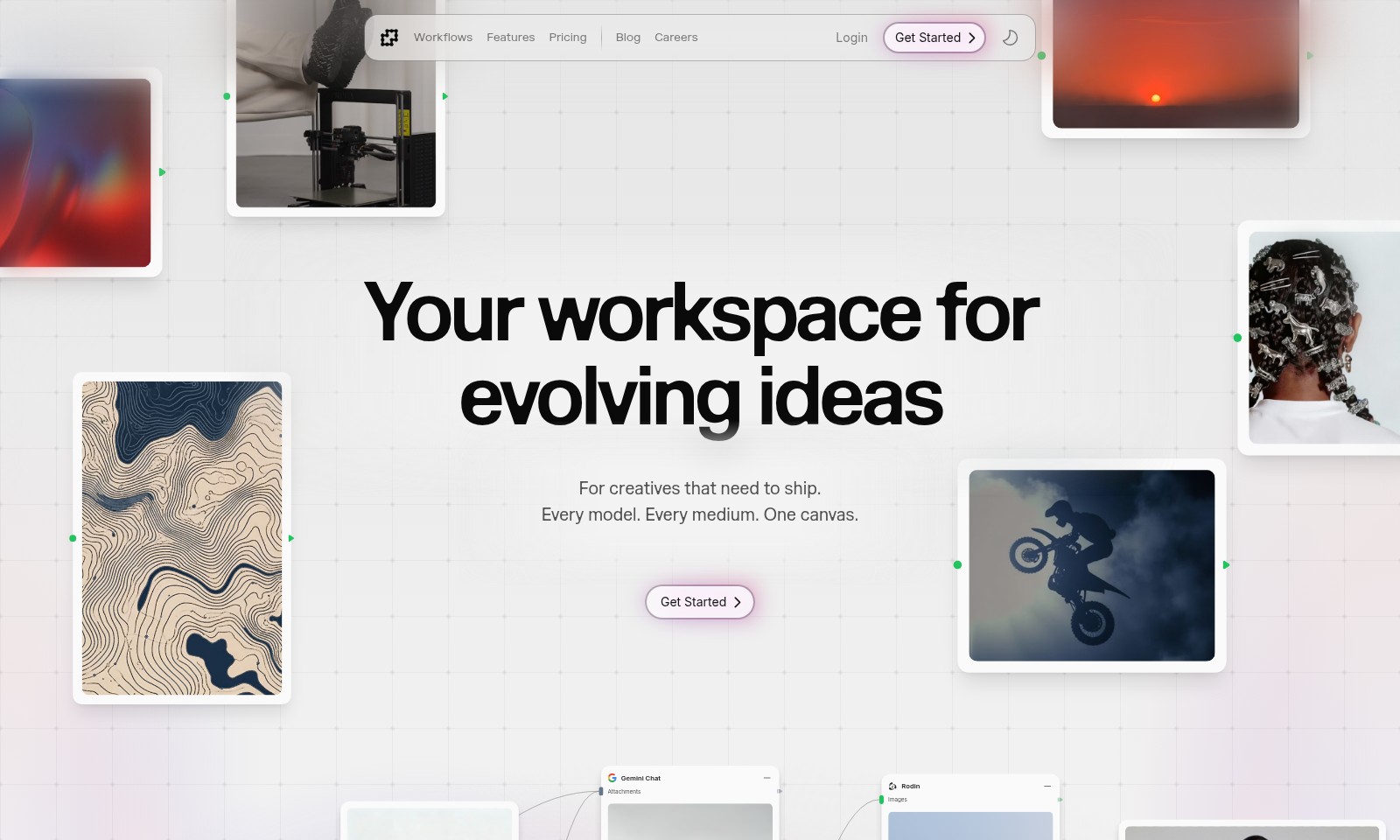
Fuser Introduction
Your Workspace for Evolving Ideas
This website serves as an essential platform for creatives who are eager to bring their innovative concepts to life. Designed with versatility in mind, we offer a comprehensive suite of tools that empower users to traverse every phase of the creative process, from ideation to execution. With an intuitive interface that caters to various mediums, users can elegantly shift between models and approaches, ensuring that their visions are realized with precision and flair.
Fuser Features
Workflow Optimization - Enhanced Collaboration
Streamline your creative processes with our intuitive workspace. Designed for seamless collaboration, it allows teams to share ideas and assets in real-time, ensuring everyone stays aligned and productive. With powerful integration capabilities, you can connect with various tools and platforms, enhancing your workflow and saving valuable time.
Versatile Canvas - All-In-One Solution
Experience the freedom to work across every medium on a single platform. Our versatile canvas accommodates text, images, and 3D models, providing a unified space for all your creative needs. Featuring a drag-and-drop interface, you can easily arrange and manipulate elements without any technical expertise.
Advanced Prototyping - Speed to Market
Accelerate your design cycle with our advanced prototyping tools. Create high-fidelity prototypes with interactive elements that simulate the final product, allowing for better feedback and iterations. Technical features include user testing integrations, capturing analytics that drive informed decisions and fast-tracking development.
Real-Time Feedback - Instant Improvement
Gather instant feedback from collaborators and stakeholders using our built-in commenting system. This ensures that your revisions are based on clear input, enhancing the output quality of your projects. The notification system keeps all team members updated in real-time, preventing miscommunication and enabling quick adjustments.
Smart Organization - Efficient Task Management
Stay organized with our smart task management feature. Assign tasks, set deadlines, and prioritize your workload to ensure that every project is executed with precision. Utilize customizable dashboards to track progress and visualize project timelines effectively, ensuring that goals are met on schedule.
Frequently Asked Questions About Fuser
FAQs about Our Creative Workspace
1. What is the purpose of this workspace?
Our workspace is designed for creatives who need to bring their ideas to life. It offers a flexible environment that accommodates various models and mediums, providing tools and resources to evolve your concepts.
2. How do I get started?
To get started, simply click on the 'Get Started' button on our homepage. You'll be guided through a quick setup process to begin utilizing your workspace immediately.
3. Are there any costs associated with using your services?
We offer a range of pricing plans tailored to different needs. You can check our 'Pricing' section for detailed information about the available options and find the one that fits you best.
4. Can I access resources and tutorials?
Yes, we have a dedicated 'Blog' section where you can find articles, tutorials, and insights to help you maximize your creative workflow. It's a great place to learn and stay inspired.
5. What should I do if I encounter issues?
If you run into any issues, our support team is ready to assist you. You can reach out through the 'Login' section, where you'll find contact information for support services.
6. Do you have career opportunities available?
Absolutely! Check our 'Careers' section to see current job openings and join our team of innovative creatives. We’re always on the lookout for passionate individuals to help push the boundaries of design and functionality.
How to Use Fuser
Register Your Account
Start by navigating to the 'Get Started' page. Fill in your email and create a secure password. Make sure to verify your email to activate your account.
Set Up Your Profile
Once logged in, head to your profile settings. Upload a profile picture and add relevant information that represents you as a creative. This helps personalize your workspace.
Explore Workflows
Take a moment to familiarize yourself with the 'Workflows' section. Here, you can understand the different processes available that can help streamline your creative projects.
Check Out Key Features
Visit the 'Features' page to explore the tools available for your use. Each feature is designed to enhance your creative experience, so take the time to click through and see what they offer.
Review Pricing Plans
If you're planning to scale up your usage, check the 'Pricing' section. Evaluate which plan best suits your needs and budget before making a decision.
Read the Blog for Tips
Visit the 'Blog' section for insights and tips from other creatives. This can provide inspiration and help you maximize your use of the platform.
Join the Careers Section
If you're interested in working with us, explore the 'Careers' page. Here you can find information about open positions and how to apply.
Log in Regularly
Make it a habit to log in regularly. Engage with new features and updates, and stay connected with the creative community.
Reviews
Pros
- Easy to use
- Fast processing
- Great results
- Affordable pricing
Cons
- Limited free version
- Requires internet connection
Comments
No comments yet. Be the first to share your thoughts!
Fuser - Alternative Platforms
For some alternatives to Fuser that you may need, we provide you with sites divided by features.

Yevideo is an all-in-one platform for AI-generated videos and images, offering various models for enhanced creativity and efficiency.
Easily generate dancing pet videos or GIFs by uploading photos and choosing templates, perfect for social media sharing.
Pixalice offers a powerful AI tool for generating high-quality images and videos from text or photos, featuring a vast style library and user-friendly interface.
MojoMake offers advanced AI tools for video and image creation, providing commercial rights and professional quality, all in one platform.