ComfyUI
Comfy Cloud offers full control with node-based workflows for generative AI, allowing users to visualize and customize their AI projects easily.
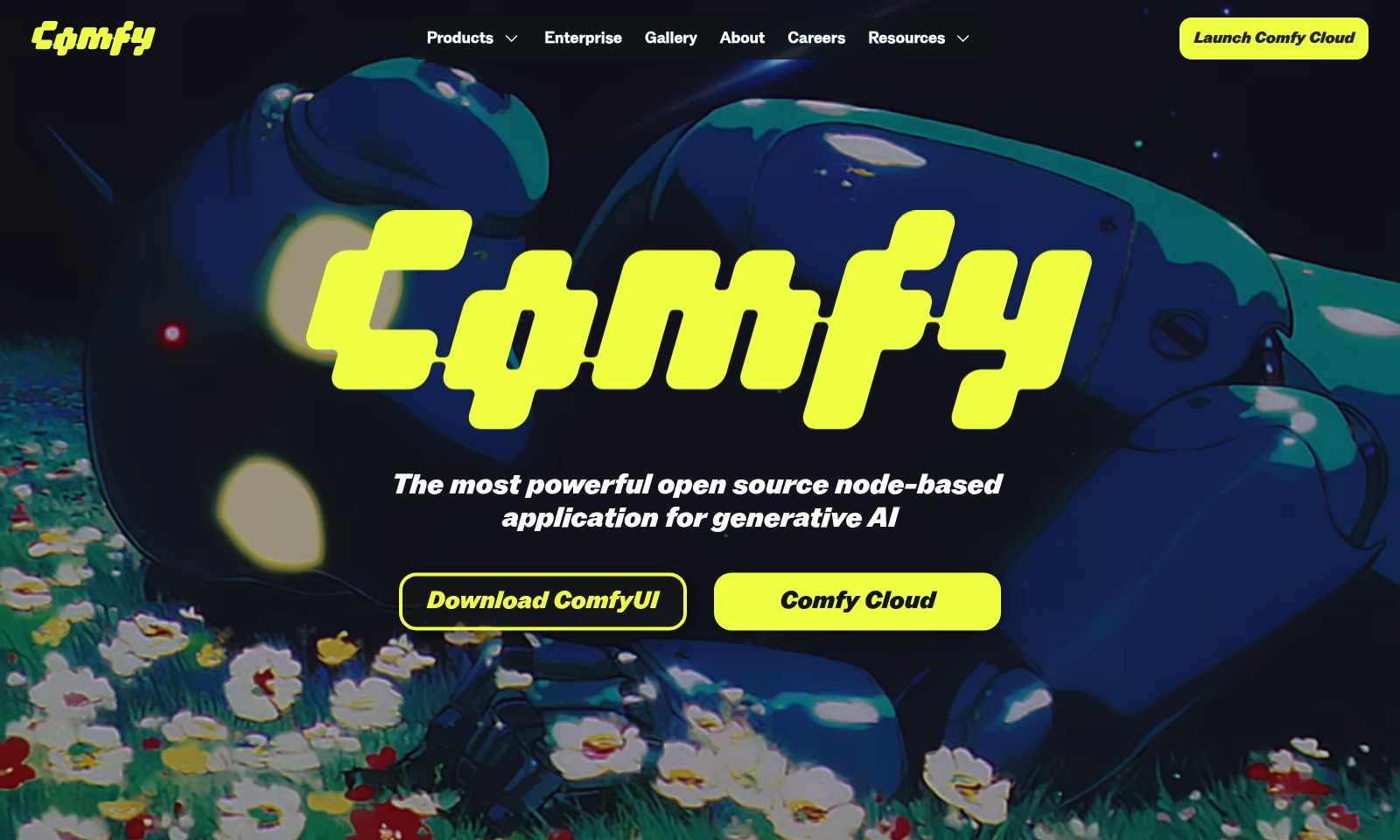
ComfyUI Introduction
Comfy Cloud: Empowering the Future of Generative AI
Comfy Cloud is a robust open-source platform that revolutionizes the way users interact with generative AI technology. With its node-based application, it enables professionals to build intricate AI workflows with unparalleled control and creativity. By providing a canvas for visual connection of nodes, Comfy Cloud allows users to seamlessly branch, remix, and adjust their workflows at any stage, ensuring they maintain absolute authority over the entire process. This innovative approach not only enhances productivity but also fosters an environment where creativity can flourish, resulting in superior and original outputs.
ComfyUI Features
Full Control with Nodes - Empower Your Creativity
With ComfyUI, you can build AI workflows visually by connecting nodes on a canvas. This user-centric approach gives you the flexibility to branch, remix, and adjust every component of your workflow at any time, allowing for unparalleled creativity and control.
Reusable Workflows - Streamline Your Processes
Save, share, and reuse entire workflows effortlessly with ComfyUI. Exported images, videos, and 3D files carry metadata, making it easy for anyone to drag and drop them into ComfyUI to instantly rebuild the full workflow, enhancing productivity and collaboration.
Live Preview - Instant Feedback
Experience real-time results as you adjust your workflows with ComfyUI's live preview feature. This capability allows you to make immediate, informed decisions on your designs, ensuring optimal outcomes and reducing the need for iterative changes.
Easy Subgraph Editing - Simplified Workflow Management
ComfyUI's easy subgraph editing facilitates the management of complex workflows. By allowing users to create mini-workflows within the larger framework, it enhances organization and clarity, making it easier for professionals to manage intricate projects.
Comprehensive Template Library - Quick Start Your Projects
Access a wide array of templates designed to expedite the initiation of your projects within ComfyUI. These templates cater to various use cases, providing a valuable resource for users to jumpstart their creative processes without being bogged down by setup time.
Frequently Asked Questions About ComfyUI
FAQs for Comfy Cloud
Q: What is Comfy Cloud?
A: Comfy Cloud is a powerful open-source node-based application designed for generative AI. It allows users to build AI workflows visually, providing full control over the creative process.
Q: How does ComfyUI differ from traditional UIs?
A: Unlike traditional linear interfaces, ComfyUI employs a node-based system that gives users the flexibility to branch, remix, and adjust their workflows at any time. This level of control enhances creativity and experimentation in AI applications.
Q: Can I reuse workflows in Comfy Cloud?
A: Yes! Comfy Cloud allows you to save, share, and reuse entire workflows. You can export images, videos, and 3D files along with their metadata, enabling others to easily recreate your workflows by simply dragging and dropping the exported files into ComfyUI.
Q: What can I do with the live preview feature?
A: The live preview feature in Comfy Cloud lets you see real-time results as you make adjustments to your workflows. This immediate feedback helps streamline the design process and optimize your creative output.
Q: Is there community support available for Comfy Cloud users?
A: Yes, Comfy Cloud has an active community where users can share tips, ask questions, and collaborate on projects. Joining forums and community discussions can enhance your experience and provide valuable insights into using the software effectively.
Q: How can I stay updated with the latest news about Comfy Cloud?
A: To keep up with the latest developments, you can check out our blog for news and updates. You can also follow us on social media and subscribe to newsletters to receive timely information about new features and upcoming events.
How to Use ComfyUI
Step 1: Register an Account
Visit the Comfy Cloud website and click on the 'Sign Up' button. Fill in the required fields such as your email and password to create your account.
Step 2: Confirm Your Email
Check your inbox for a confirmation email. Click the link in the email to verify your account and activate your profile.
Step 3: Set Up Your Profile
Once you log in, complete your profile by adding your name and selecting your preferences. This helps personalize your experience within Comfy Cloud.
Step 4: Explore the Dashboard
Familiarize yourself with the user interface by navigating through the dashboard. Look for key sections like 'Workflows', 'Templates', and 'Resources' for quick access to features.
Step 5: Start a New Project
Click on 'Create New Workflow' to start your first project. Choose a template to get started quickly or build your workflow from scratch using nodes.
Step 6: Build Your First Workflow
Drag and drop nodes onto the canvas to construct your AI workflow. Connect them logically based on the sequence of operations you wish to perform.
Step 7: Experiment with Different Nodes
Explore various nodes available in ComfyUI. Try different configurations to understand how each node affects the output of your workflow.
Step 8: Utilize Live Preview
As you construct your workflow, use the 'Live Preview' feature to see real-time results. This helps in making adjustments on the fly for better outputs.
Step 9: Save Your Workflow
Once you're satisfied with your workflow, click 'Save'. You can give it a descriptive name and choose whether to share it with others.
Step 10: Export Your Results
After completing your project, export your images, videos, or 3D files. Make sure to save them with metadata to ensure easy access in future workflows.
Step 11: Access Resources
Visit the 'Resources' section for tutorials, FAQs, and community forums. These resources can help deepen your understanding and provide assistance if needed.
Step 12: Join the Community
Participate in forums and discussions to connect with other users. Share experiences and learn tips and tricks from fellow Comfy Cloud enthusiasts.
Reviews
Pros
- Easy to use
- Fast processing
- Great results
- Affordable pricing
Cons
- Limited free version
- Requires internet connection
Comments
No comments yet. Be the first to share your thoughts!
ComfyUI - Alternative Platforms
For some alternatives to ComfyUI that you may need, we provide you with sites divided by features.

Yevideo is an all-in-one platform for AI-generated videos and images, offering various models for enhanced creativity and efficiency.
Easily generate dancing pet videos or GIFs by uploading photos and choosing templates, perfect for social media sharing.
Pixalice offers a powerful AI tool for generating high-quality images and videos from text or photos, featuring a vast style library and user-friendly interface.
MojoMake offers advanced AI tools for video and image creation, providing commercial rights and professional quality, all in one platform.